Product
Who We Serve
Resources
LearnIdeas and answers
BlogArticles and practical guidance
Knowledge BaseProduct help and how-tos
Compare CRMsExplore the differences












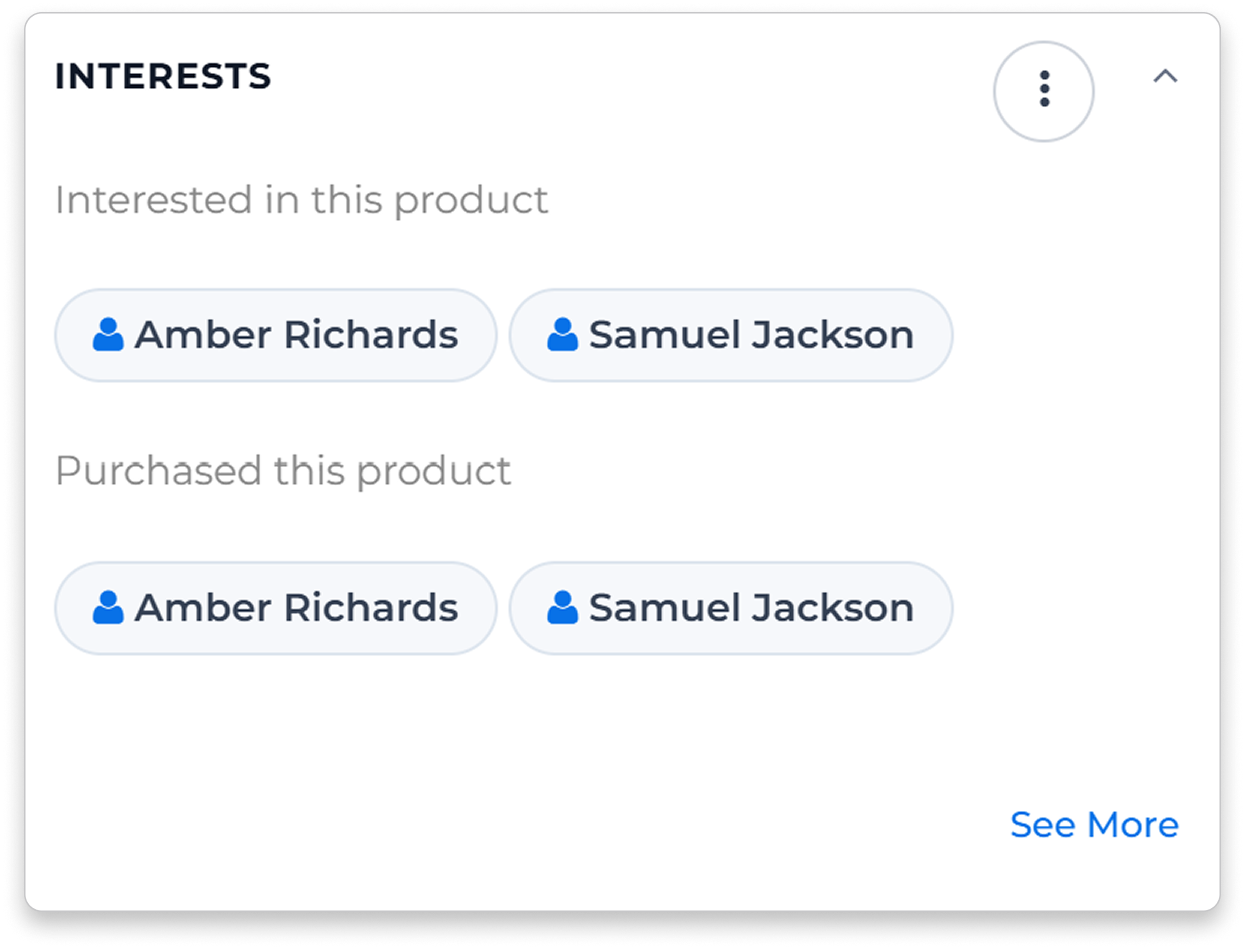


Open a product to see contacts linked to earlier offers and sales. Use that history to start a conversation about their next order.
Ask buyers how much they need and when they need it. Keep their answers with the customer record while your purchasing team reviews the supplier’s offer.
Send a simple offer request and collect multi-product responses in a consistent format.
Compare received offers for the same product using compatible quantity units. Review the pack, currency and terms alongside the price.

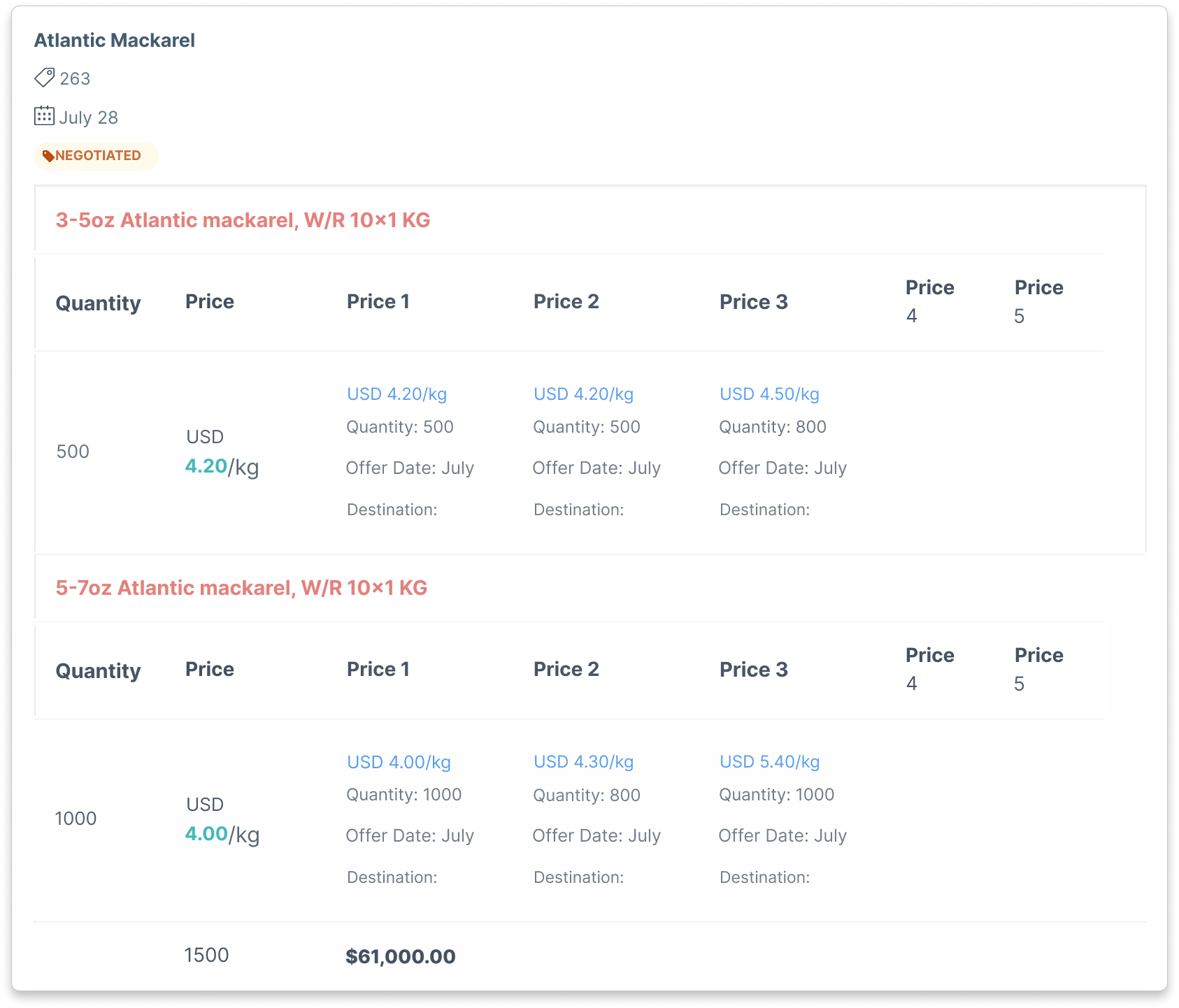
Compare the quoted price with the quantity, pack and currency on each supplier offer. See what you would be committing to.
Check the quantities and timing customers have discussed before choosing which supplier offer to pursue.
See contacts linked to products in the offer, then choose who should receive it. Select the products and details that fit each buyer.
Next Best Actions highlights enquiries and replies that need attention, with a reason for each suggestion. Create a task or send an email, and set up sequences for agreed follow-up. With enough purchase history, it can also suggest repeat-order opportunities.
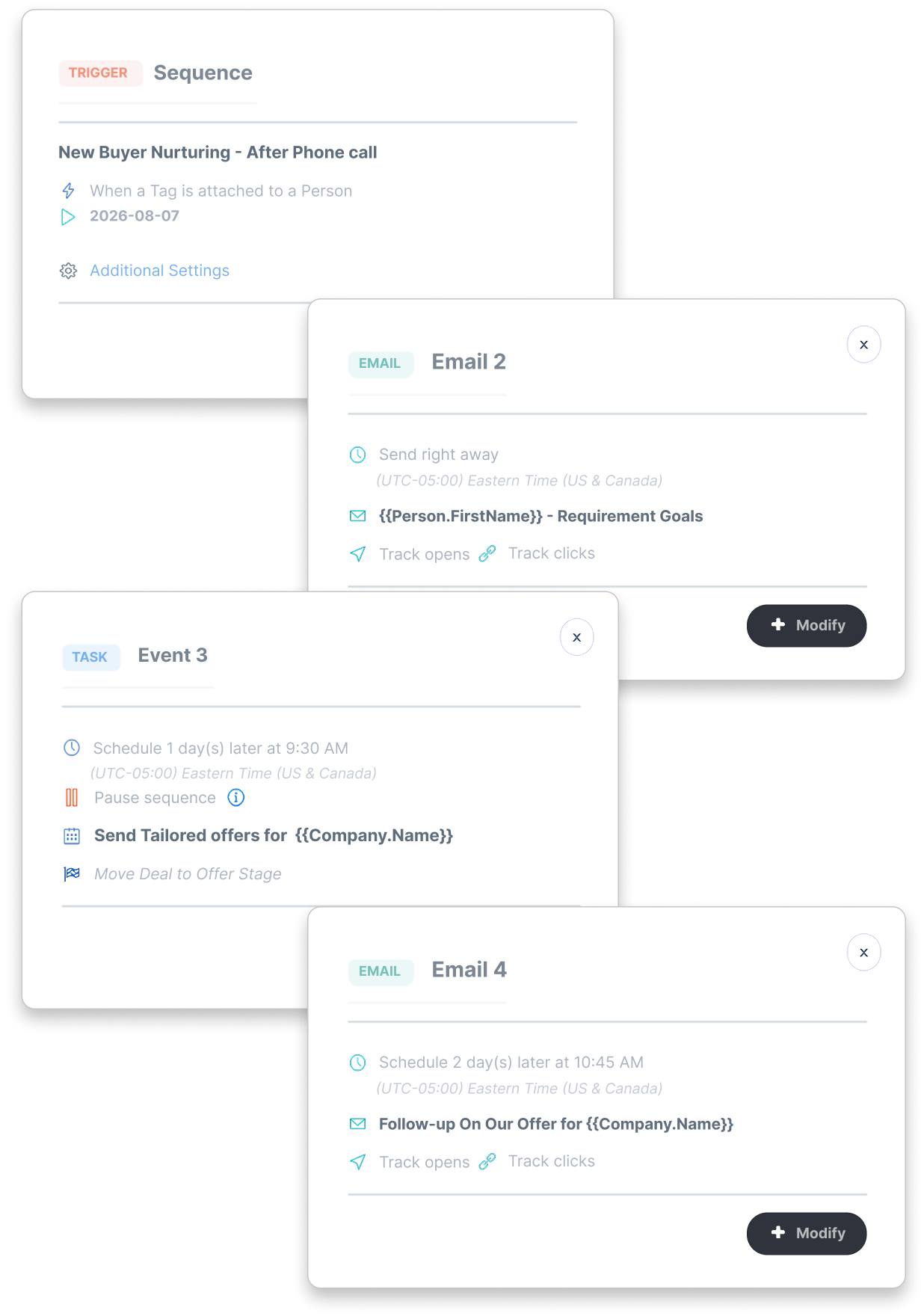
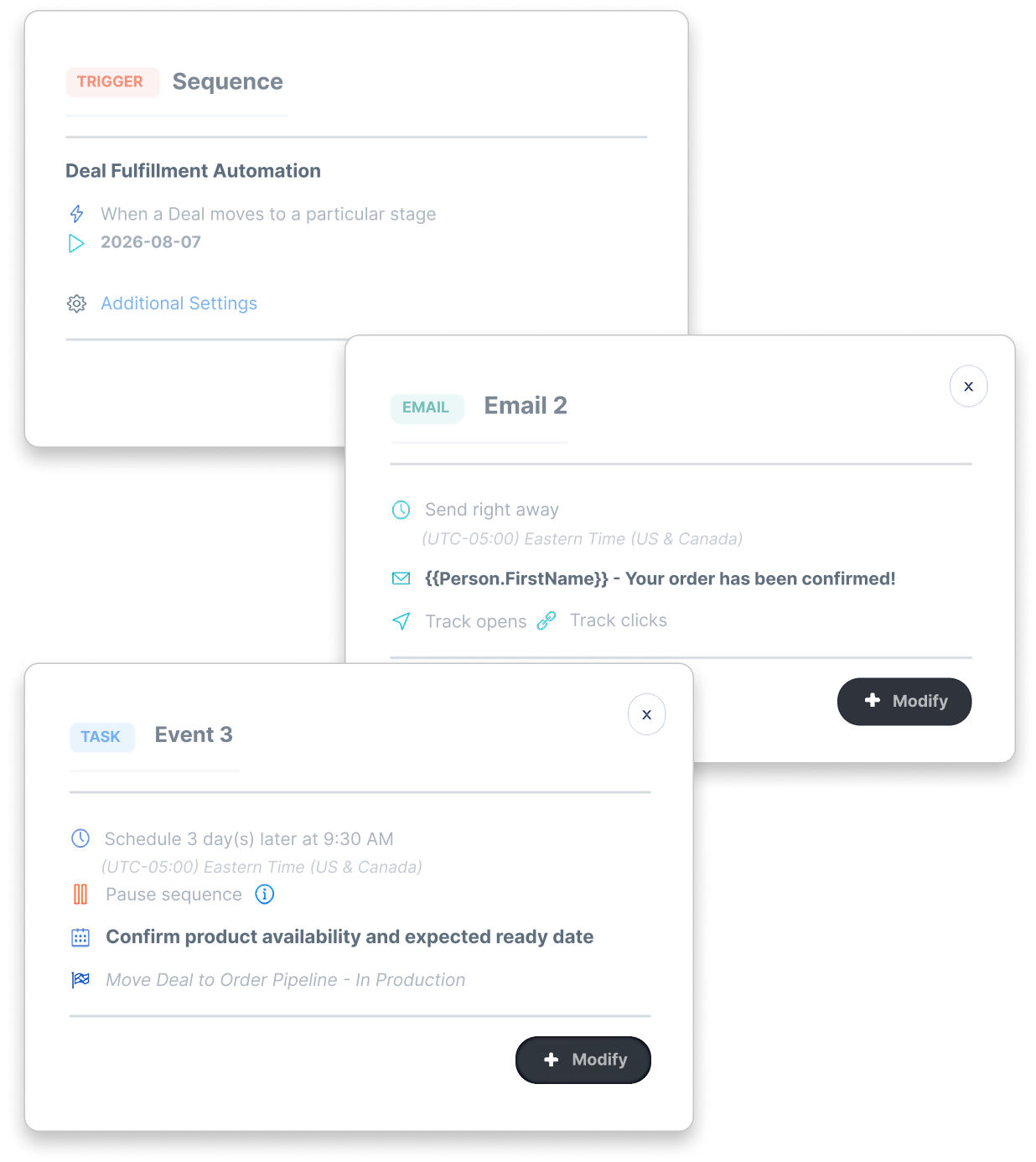
Set up tasks when a deal reaches a stage, with someone responsible for the confirmation, availability check or delivery question.
Set up confirmation emails and updates around your deal stages, using the information your team records.
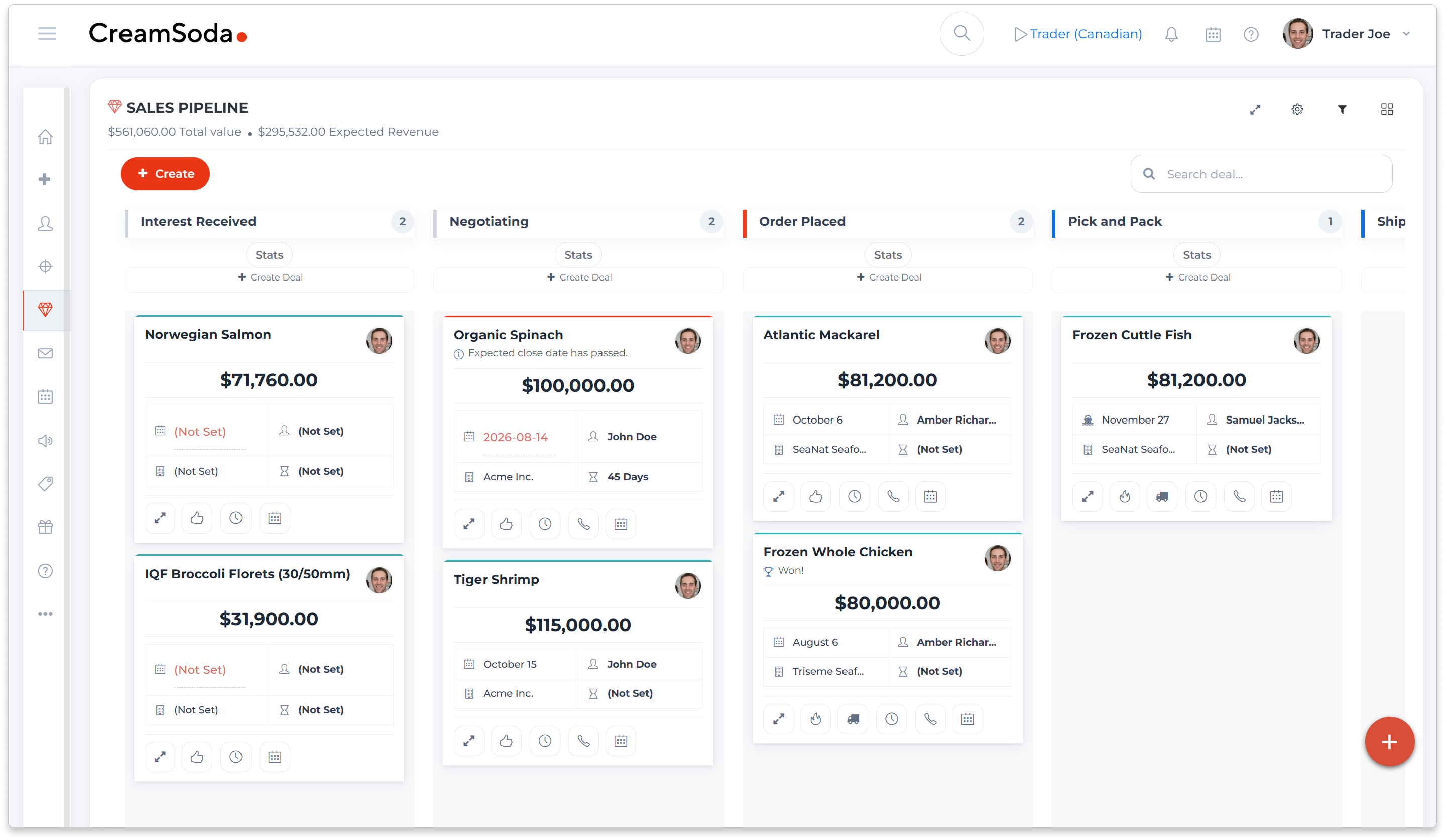
See the deal value, itemized costs and expected profit together. Keep the costs up to date as you confirm the details of the order.
Keep a record of claims and invoice-payment status so the team can follow up on unresolved issues after delivery.
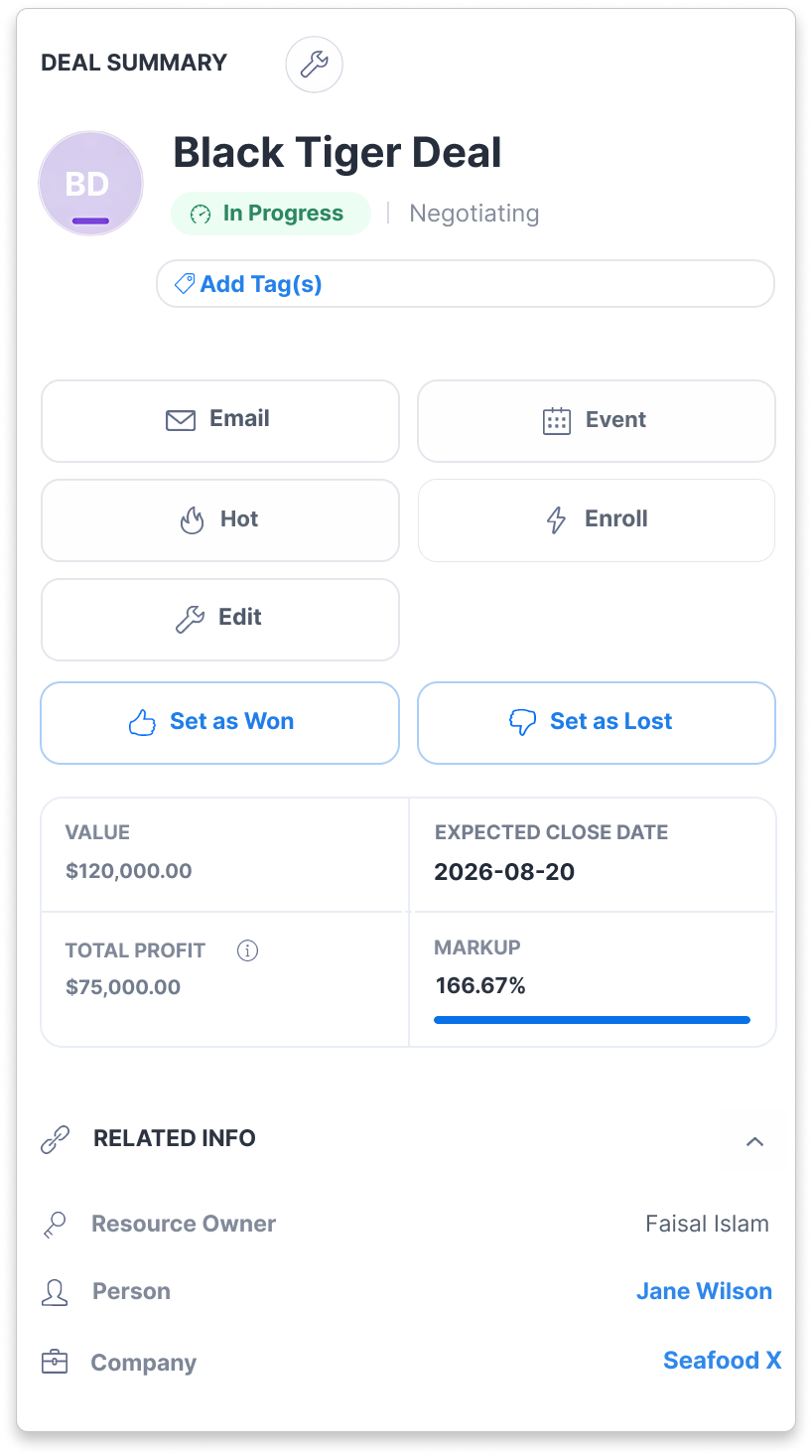
CreamSoda is a CRM for the buying and selling work around your products: supplier offers, buyer conversations, sales offers and follow-up. Use it alongside your ERP, stock and accounting systems.
Open a product to find contacts linked to earlier offers and purchases. Ask suitable buyers about their current quantities, specifications and timing, then keep their answers available while you review supplier quotes.
Send a supplier offer request and collect product, quantity and price details in a consistent format. Compare the quotes you receive for the same product, with quantity units, pack details, currency and terms in view.
Bring a supplier quote and tell us how you choose customers to approach. We’ll show you how product history, buyer conversations, offer comparison and sales follow-up can fit your team’s work.
Keep the order’s stages, dates and customer conversations together. Assign follow-up tasks or set up emails around deal-stage changes, then review costs, claims and invoice-payment status as the order progresses.