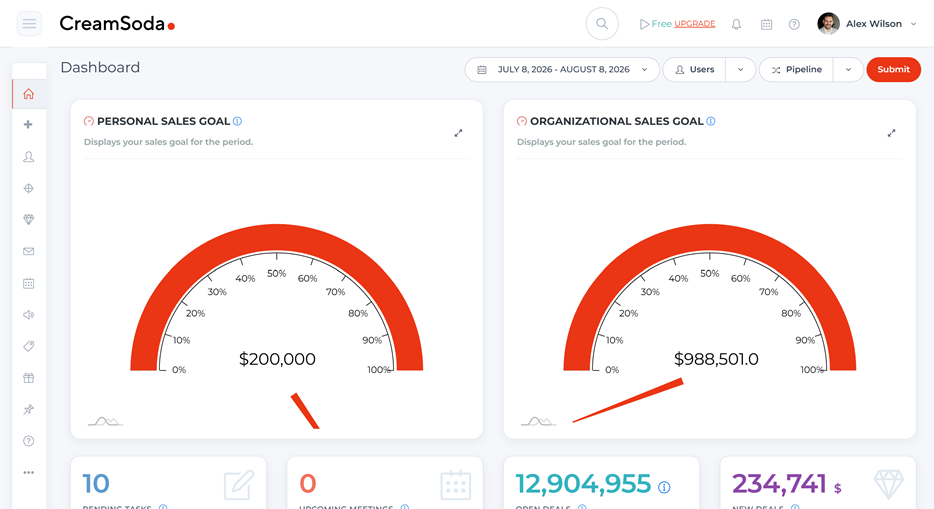

Meat and poultry CRM for B2B sales
Sell more of your range to your regular buyers
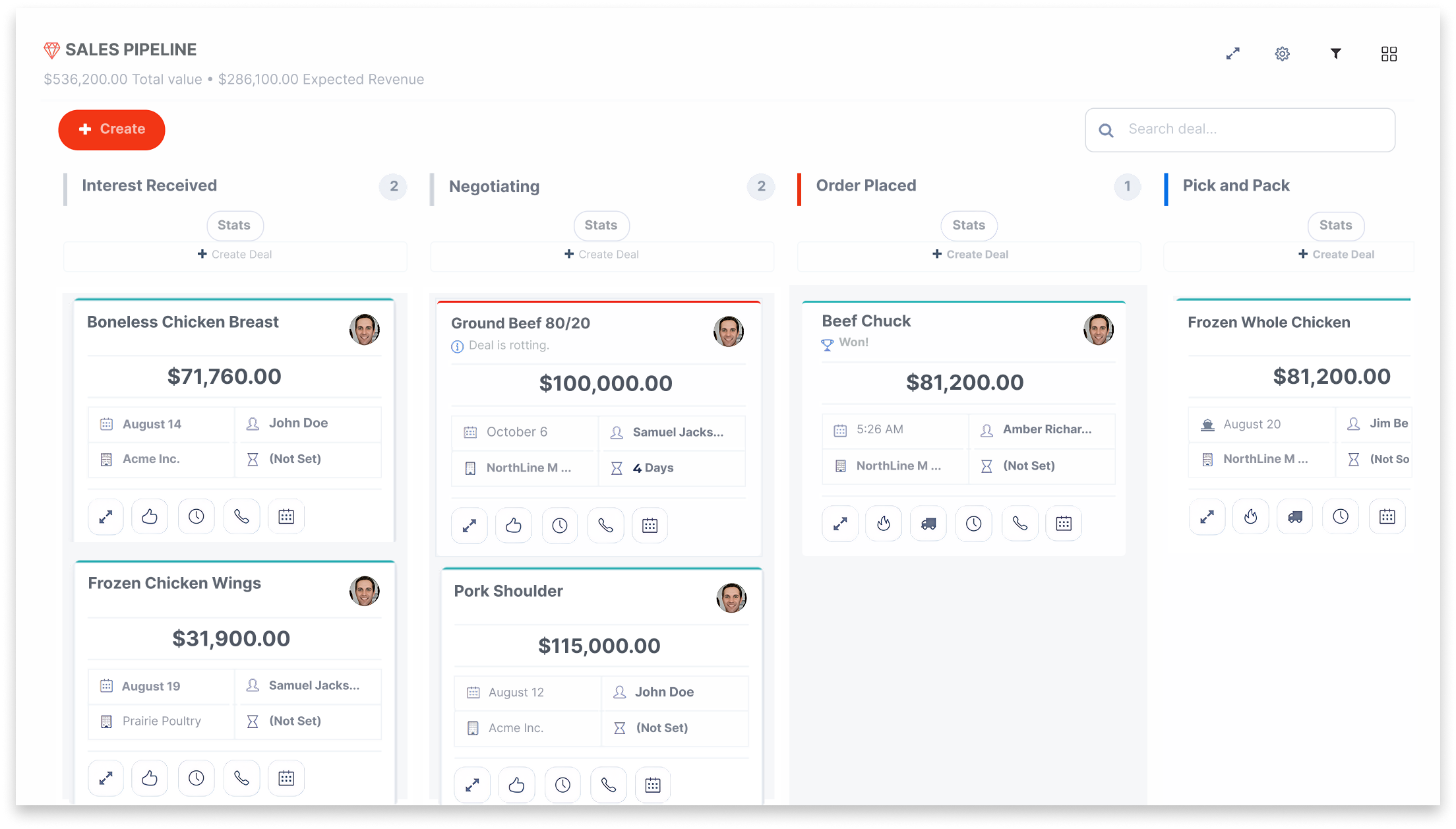

Make the product range easier for your team to sell

Find buyers for each cut

Keep buyer requirements easy to find

Check supplier terms before you quote

Send the products each buyer needs

Spot the next repeat-order opportunity

Know who handles the next step

See what the deal could earn
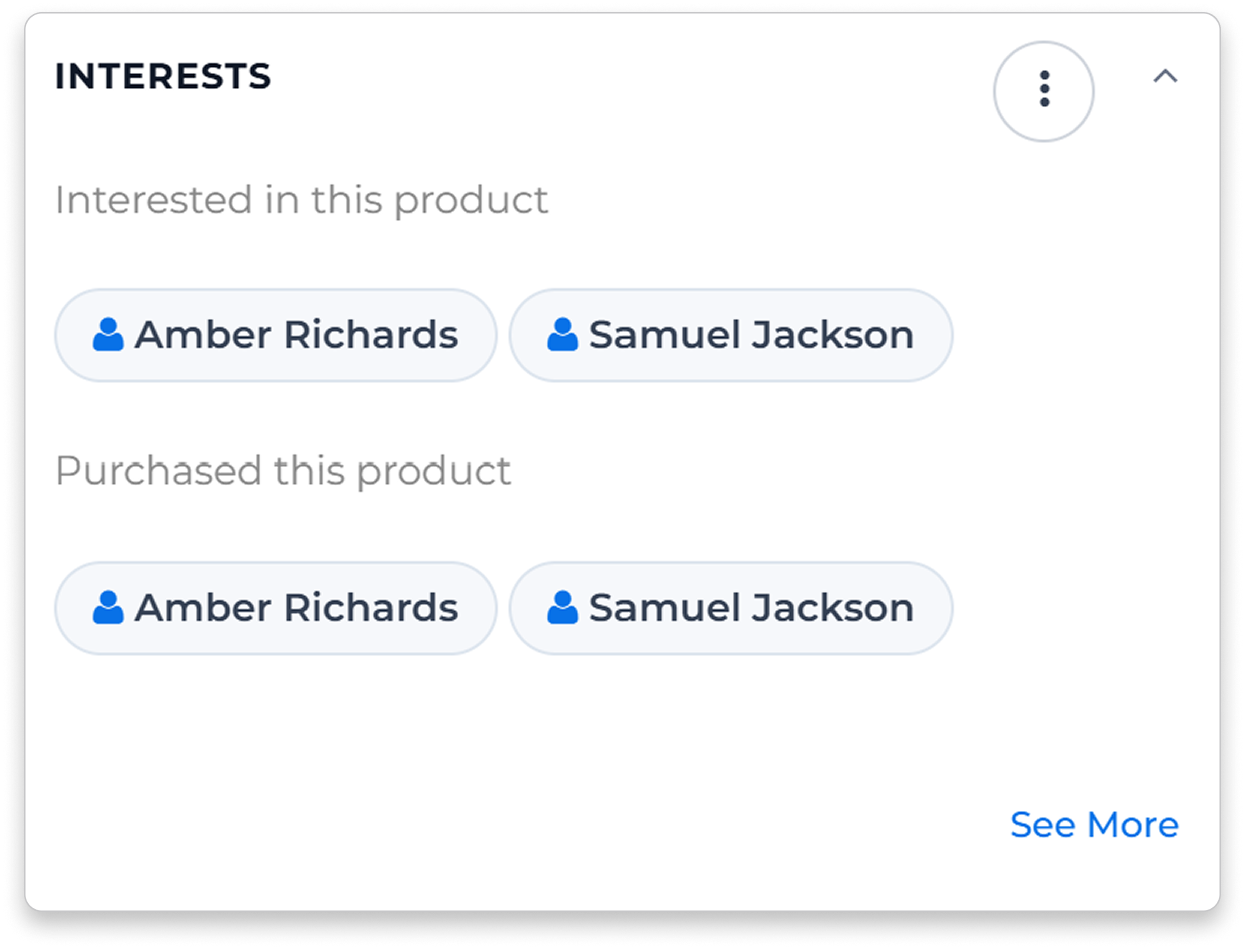
Know who to call about each product
Start with buyers who know the product


Find contacts linked to past offers and deals for a product. Use that history to choose who to approach and which cut or pack to discuss.
Let colleagues pick up the conversation
Keep product questions, earlier quotes and conversations with the account, so colleagues can continue the sale with the details in front of them.
Give regular buyers a reason to order again
Build an offer around the buyer
Choose recipients using product history, then select the products, packs and terms to include. Send an offer built around what you know about the account.
Act on changes in buying
See when a regular purchase may be due or a product has stopped appearing in the customer’s orders. Review the supporting history, then create a task or email. Purchase-based suggestions use sufficient relevant history.


Compare supplier offers before you quote
Compare like-for-like quotes
Compare received quotes for the same product, with units, packs and quoted currency visible. Confirm cut, grade and origin before treating the buying prices as comparable.
See how the new price compares
Review earlier supplier quotes when a new price arrives. Check the buyer’s requirements and recorded deal costs before deciding what to offer.
Make each product offer count

Demand differs by cut
Availability has a window

Keep buyer knowledge in the team

Keep expected profit in view
Keep the sale moving after the order
Give each handoff a clear owner
Assign availability checks and shipment updates to the right person. Use tasks configured around deal stages to keep the next step visible.
Keep customers informed
Keep order and progress messages connected to the buyer and deal. The next colleague can see what was confirmed before answering a delivery question or discussing another order.

Know what each sale is expected to earn
Review expected profit before you commit
Give salespeople and managers the same view of deal value and recorded costs, so they can review expected profit while the sale is still being negotiated.
Keep claims and payments visible
Record customer claims and monitor invoice and payment status against the deal, so issues remain visible after delivery.
Meat and poultry sales CRM: common questions
CreamSoda is for meat and poultry wholesalers, importers, exporters and trade agents selling to business customers. Sales teams use it to manage product offers, buyer relationships, quotes and repeat business.
Yes. Use CreamSoda for buyer relationships, offers and sales follow-up alongside your operational systems for stock, processing, traceability and accounting. You can also use the CRM without an ERP. Discuss any required integration in the demo.
Yes. Set up products with the attributes, units and pack details your team uses, then keep those details with offers and quotes. Bring examples to the demo so we can walk through your product range.
Purchase Insights highlights missed reorders, changes in buying and cross-sell opportunities when there is enough relevant history. Next Best Actions gives your team a reason to follow up, with supporting details to review before creating a task or email.
Yes. Compare received quotes for the same product using compatible units. Review pack, quantity, quoted currency and terms together before preparing your customer offer.