Product
Who We Serve
Resources
LearnIdeas and answers
BlogArticles and practical guidance
Knowledge BaseProduct help and how-tos
Compare CRMsExplore the differences







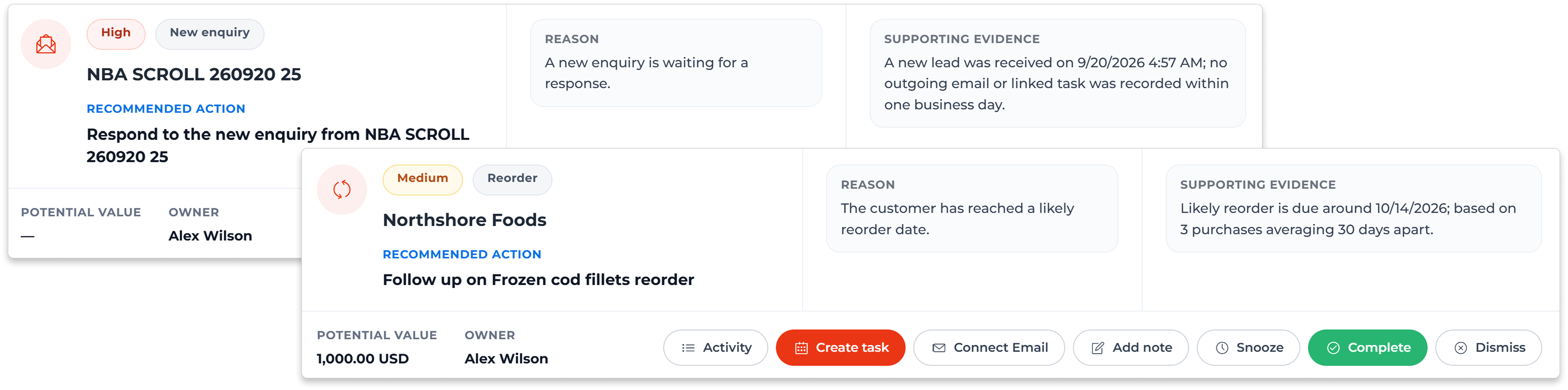


Check the enquiry, reply, meeting or purchase history behind the suggestion.
An unanswered question needs a reply. An approaching reorder needs a discussion about the next requirement.
Review your own customers, your team’s accounts or accounts you follow, within your existing access.
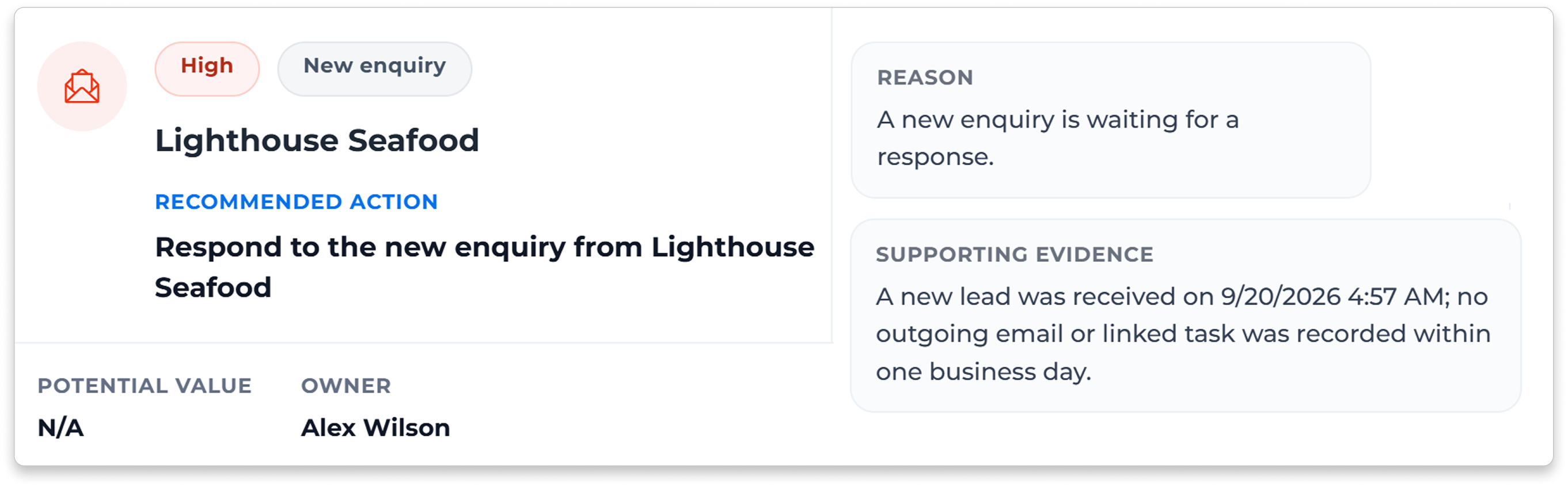
Find customer-linked emails, form enquiries or new leads without a later recorded response or task.
Read the customer’s reply and earlier context before preparing your response.
See meetings without a later email, task or account note, then confirm the next step with the customer.
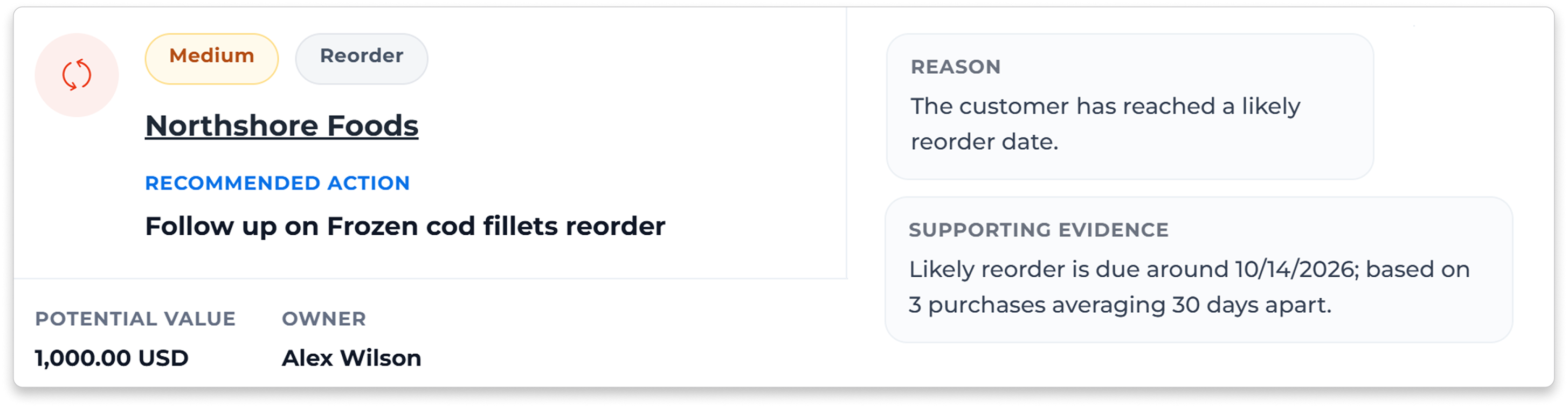
Check earlier purchases and the usual time between them. Timing suggestions need enough consistent purchase history.
Ask about quantity, specification and timing before preparing an offer.
Confirm current availability, price and terms before making a proposal.
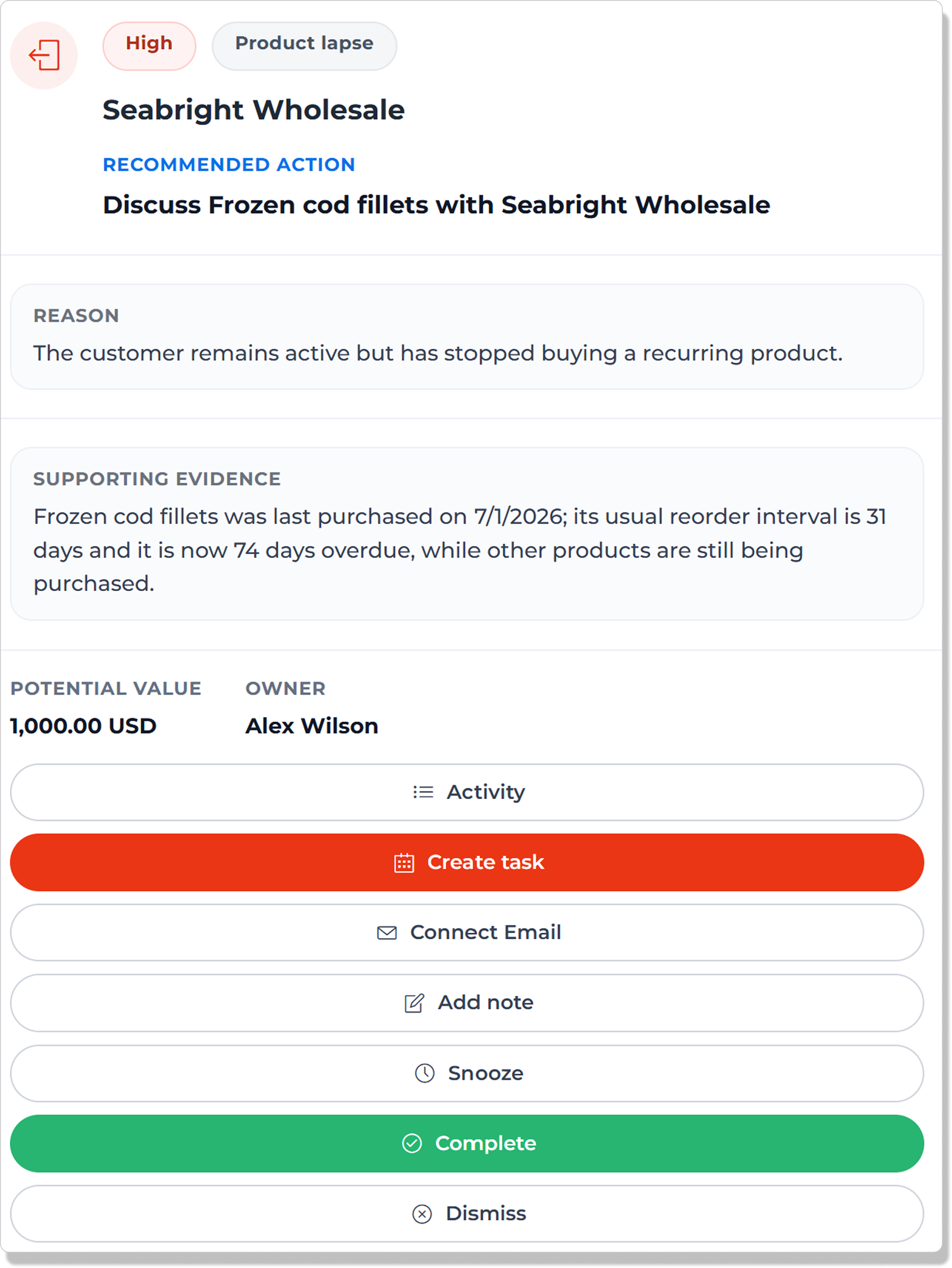
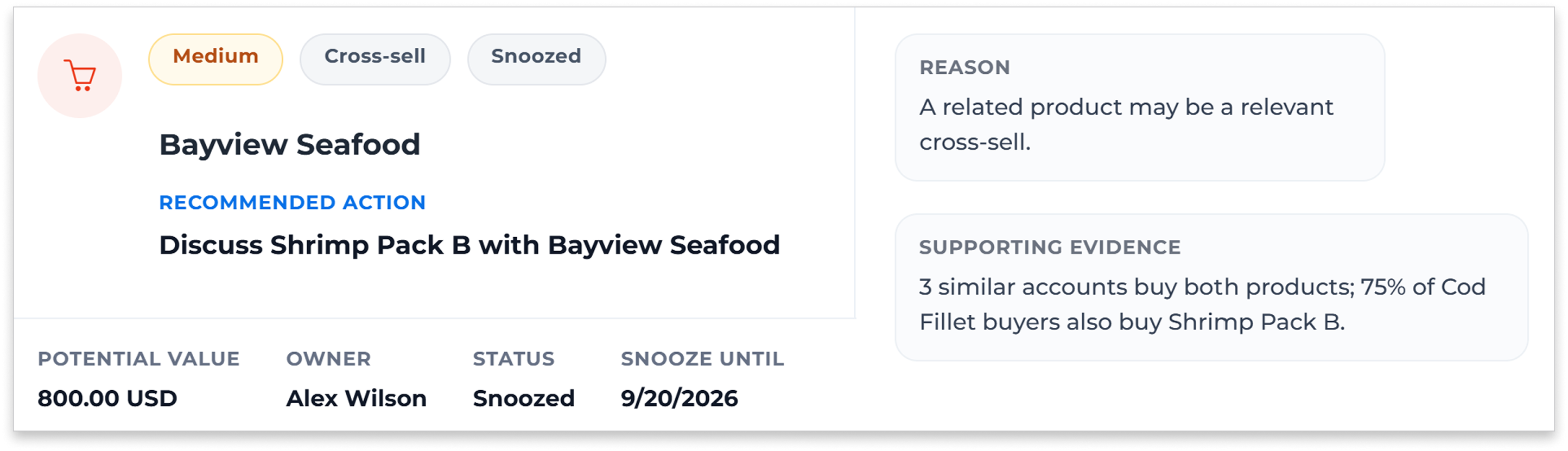
Use product combinations found in successful-sales history to prepare a relevant offer.
Check how many customers bought the combination and the buying pattern behind it.
Ask about today’s requirement, then check the product, price and availability.
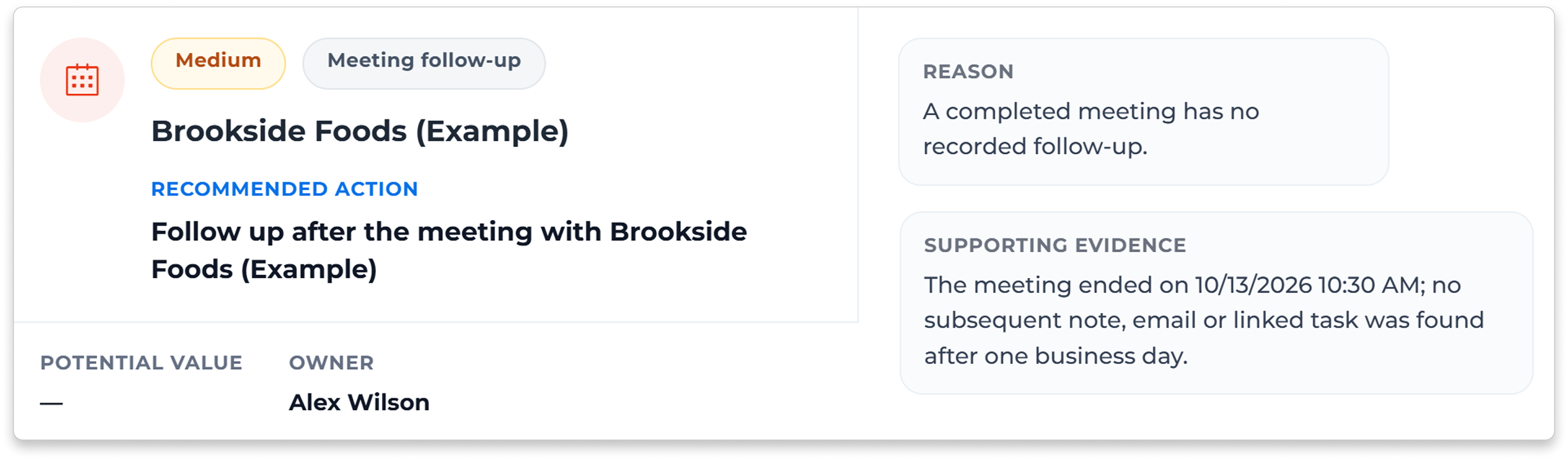
Create a task using the suggested title and context, then choose the responsible person and timing.
Prepare an email through your connected mailbox or add a note. Your rep reviews and sends the message.
Snooze an action, mark it complete or dismiss it. Review its activity or reopen it when needed.






It suggests who to follow up with and why, using customer activity and successful-sales history. Actions cover enquiries, replies, meetings, reorders, missing regular products, falling spend and cross-sell opportunities. Each includes a suggested step, reason and supporting details.
Your team stays in control. Create a task, prepare and send an email through a connected mailbox, add a note or update the action’s status. Next Best Actions does not send messages, place orders or reserve stock automatically.
You need a connected mailbox to send email from an action. You can use tasks, notes and other action controls without sending email. Suggestions use records in CreamSoda; ERP order history is not brought in automatically. We can confirm data transfer and integration needs in the demo.
Bring an unanswered enquiry and a repeat-sale example. See the suggested follow-up, the reason behind it, and how your rep creates a task or email. We will confirm the data, configuration and feature access available for your team.