Product
Who We Serve
Resources
LearnIdeas and answers
BlogArticles and practical guidance
Knowledge BaseProduct help and how-tos
Compare CRMsExplore the differences





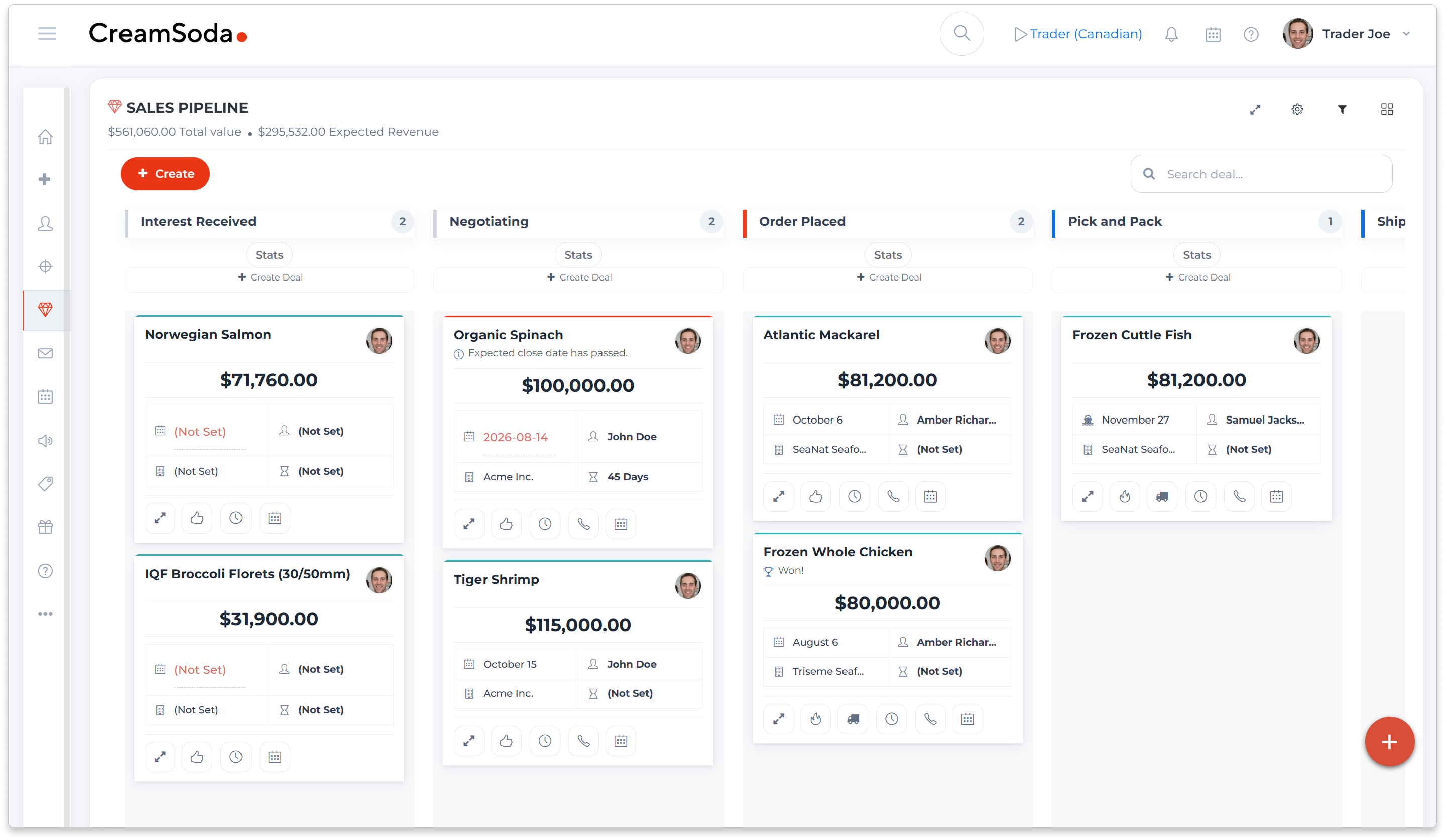







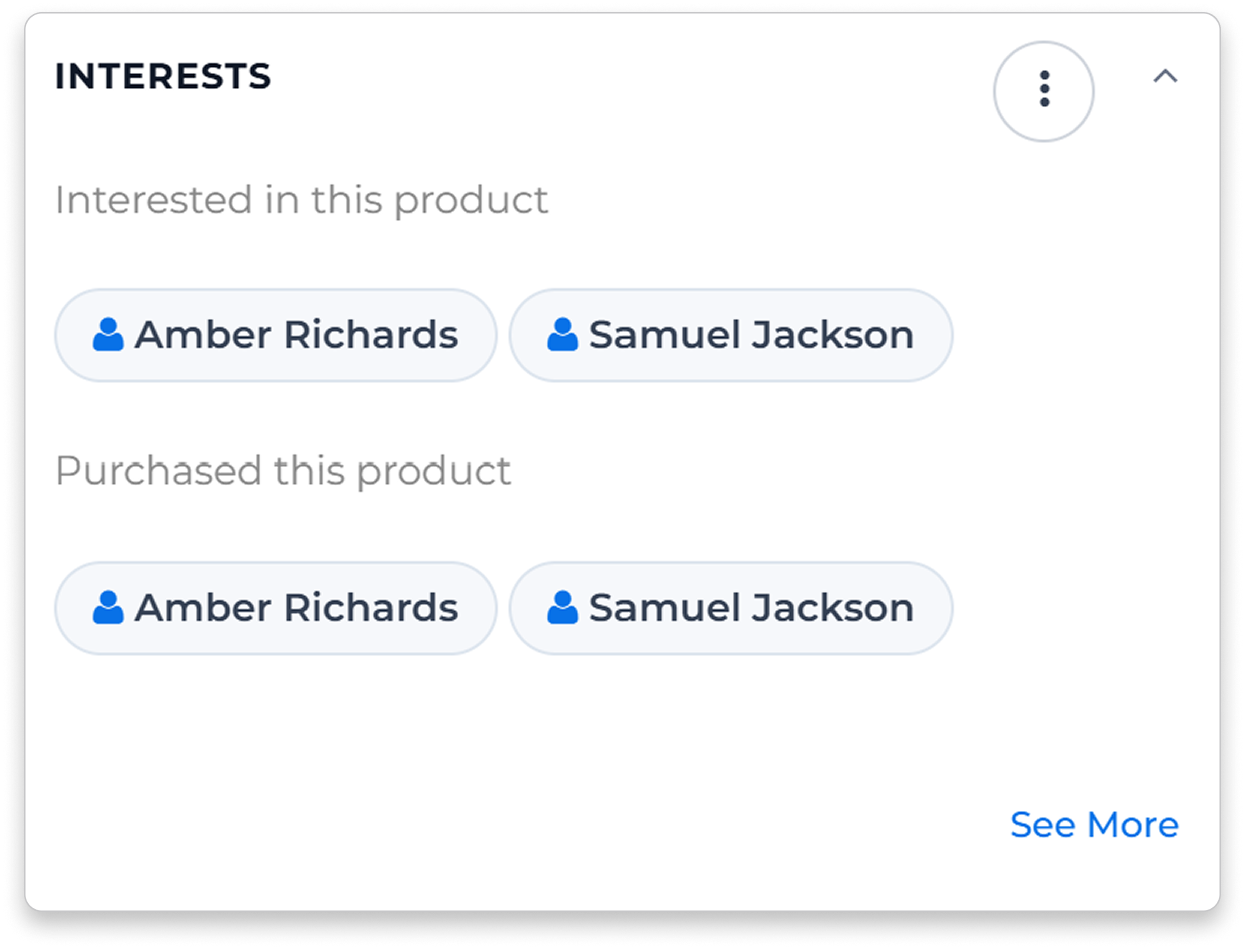


See contacts linked to products in the offer through earlier offers and deals. Check their history and current requirements before choosing the recipients.
Select the buyers and product details for your email offer. Follow up on their replies with the quantity, pack or timing they ask about.
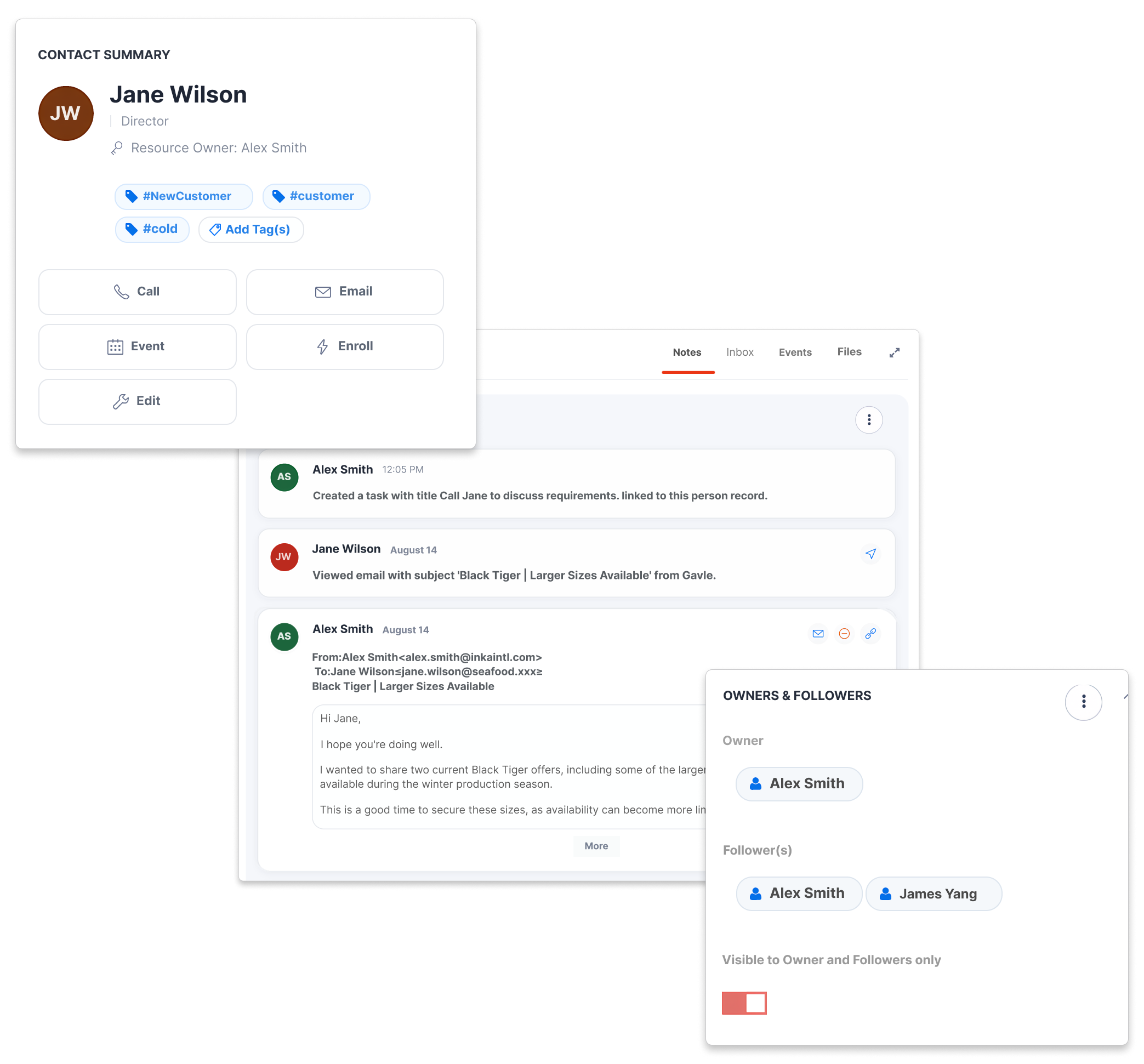
Review the account’s product offers and deals alongside notes and conversations before preparing the next call or quotation.
Assign an account owner and keep the follow-up with the customer record, so another rep can pick up the discussion with the same background.
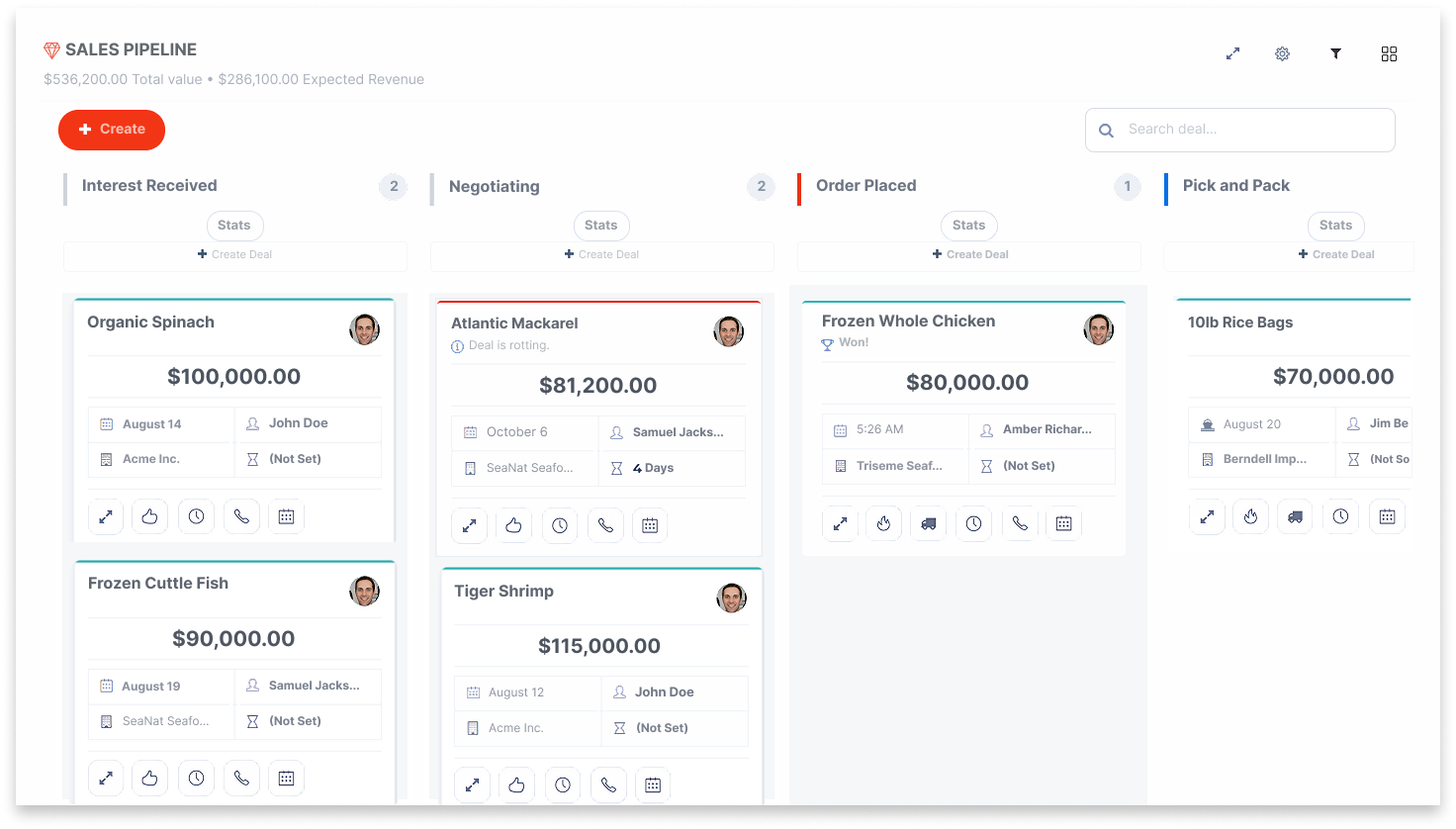
With enough reliable purchase history, CreamSoda can suggest a reorder, flag an overdue regular product or suggest another line based on what customers who buy the same items also purchase.
Review the reason, create a task or send an email, then update the action’s status as the conversation progresses. The team can see what still needs attention.
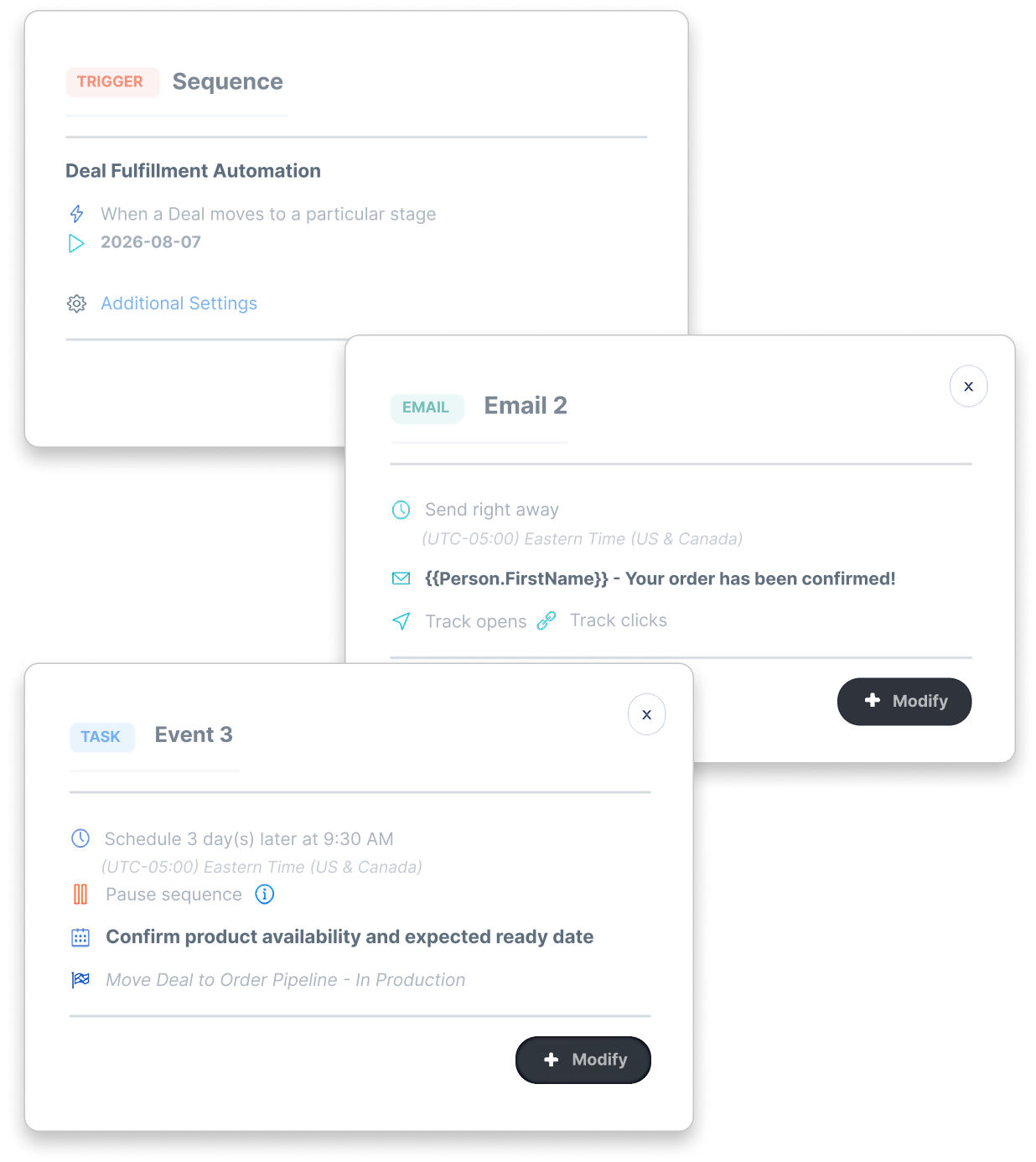
Set up tasks when a deal reaches a stage, with a colleague responsible for the confirmation or delivery question.
Set up customer emails around your deal stages, using the order and delivery information your team records.
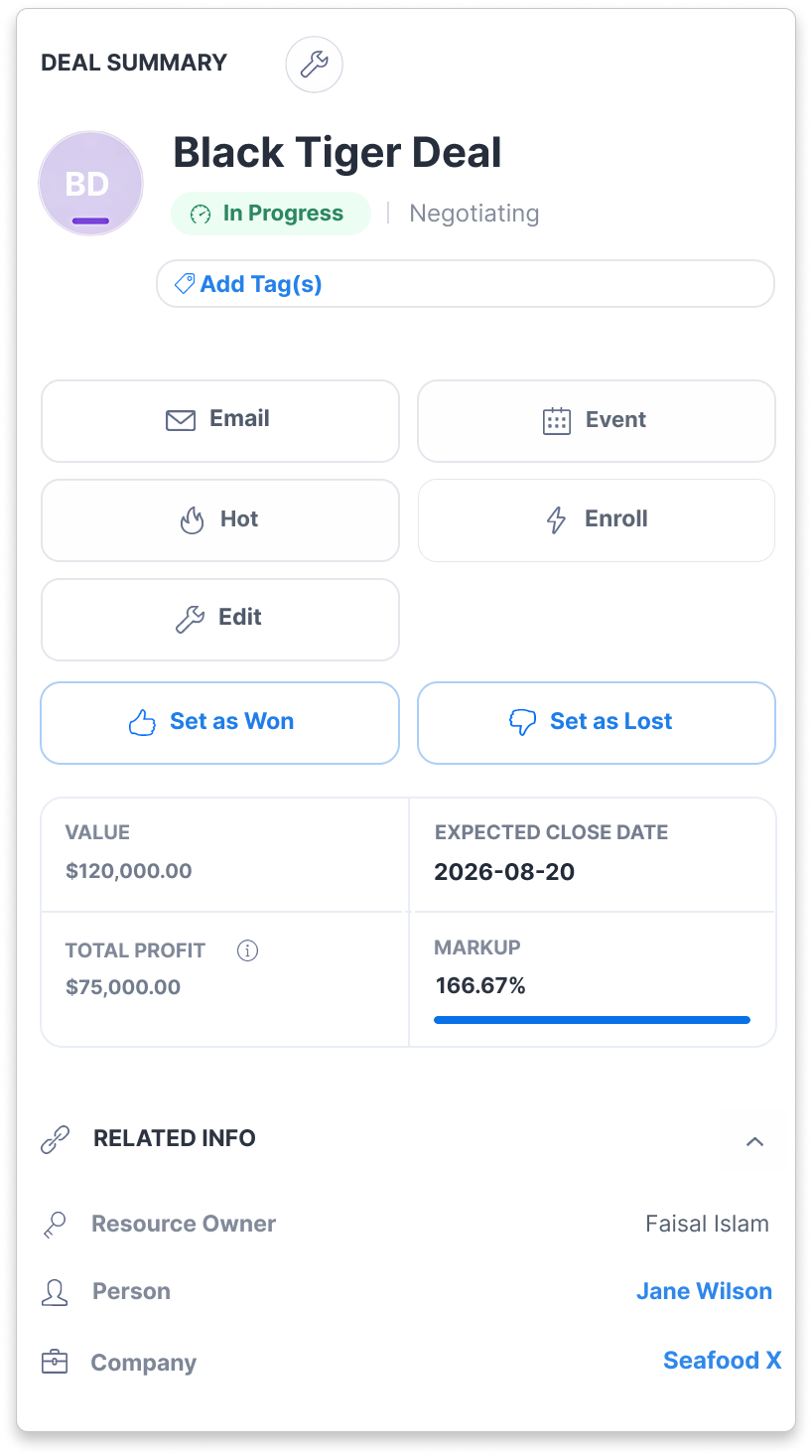
See the itemized costs behind the expected-profit calculation. Update them as you confirm the details of the sale.
Keep claims and invoice-payment status with the deal, so a customer issue still has context after delivery.
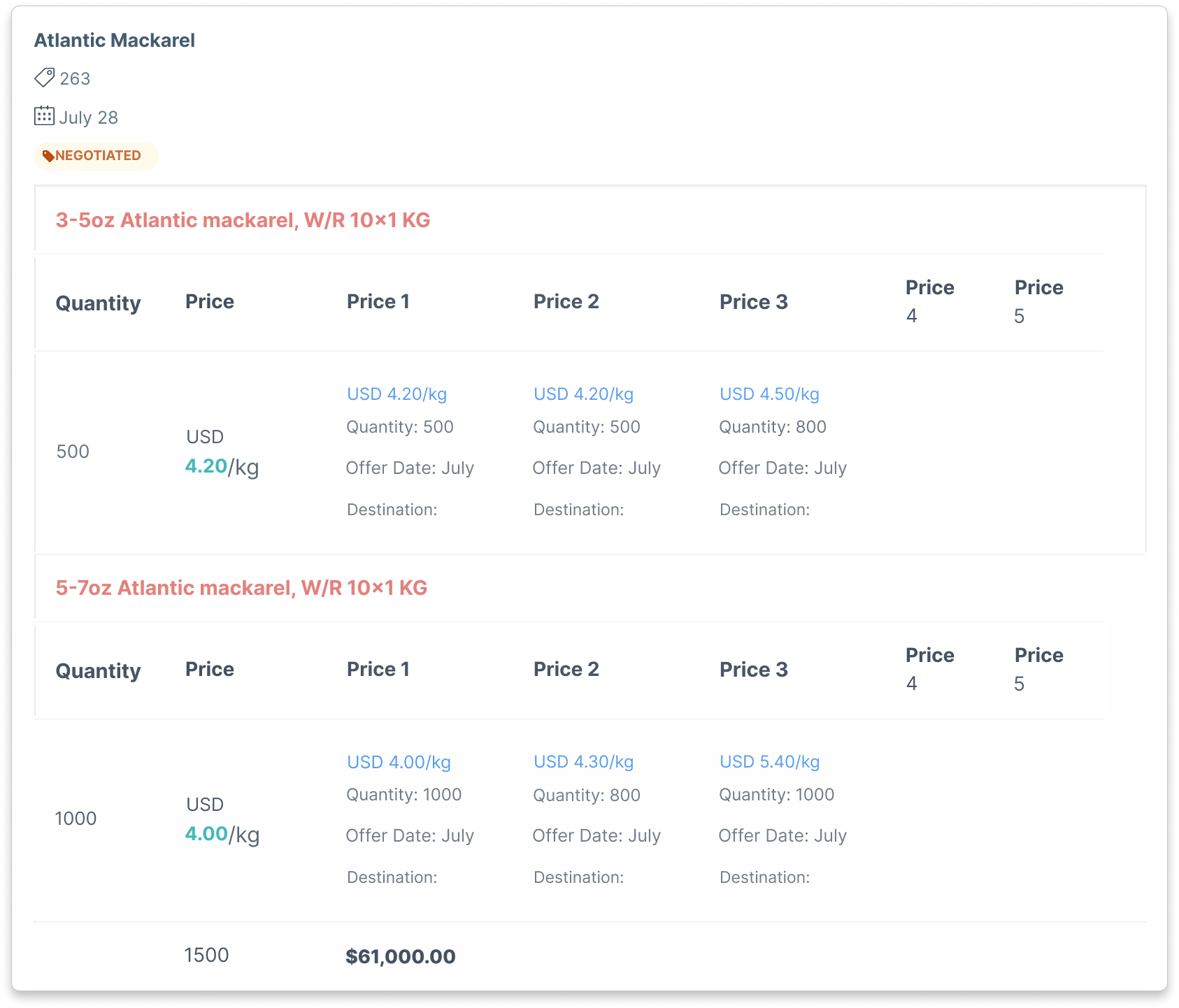
Compare received offers for the same product using compatible quantity units. Review pack details, price, currency and terms together.
Use contacts from past product offers and purchases to decide who to ask. Keep their current quantity and timing requirements available while you choose a supplier offer.
CreamSoda is a CRM for customer sales: product offers, quotations, buying history and follow-up. Use it alongside your ERP, stock and accounting systems.
Start with contacts linked to products through earlier offers and deals. Check the account’s history and current requirements, then choose the recipients and product details for your offer.
Yes. Choose the buyers and product details for each email offer. Use recorded opens, clicks and replies to plan the follow-up, then confirm the customer’s requirements in conversation.
Purchase Insights and Next Best Actions use your customer and product history to spot reorders, missing regular products and cross-sell opportunities. Purchase-based suggestions need enough relevant history. Enquiry and reply suggestions use recorded customer activity. Your rep can review the reason and create a task or send an email.
Yes. Record deal costs and review calculated profit. Claims track problems and their assigned value, with invoice-payment status available for follow-up. Claims do not reduce profit by default; add an amount to the deal’s Costs section if you want it included.