Product
Who We Serve
Resources
LearnIdeas and answers
BlogArticles and practical guidance
Knowledge BaseProduct help and how-tos
Compare CRMsExplore the differences








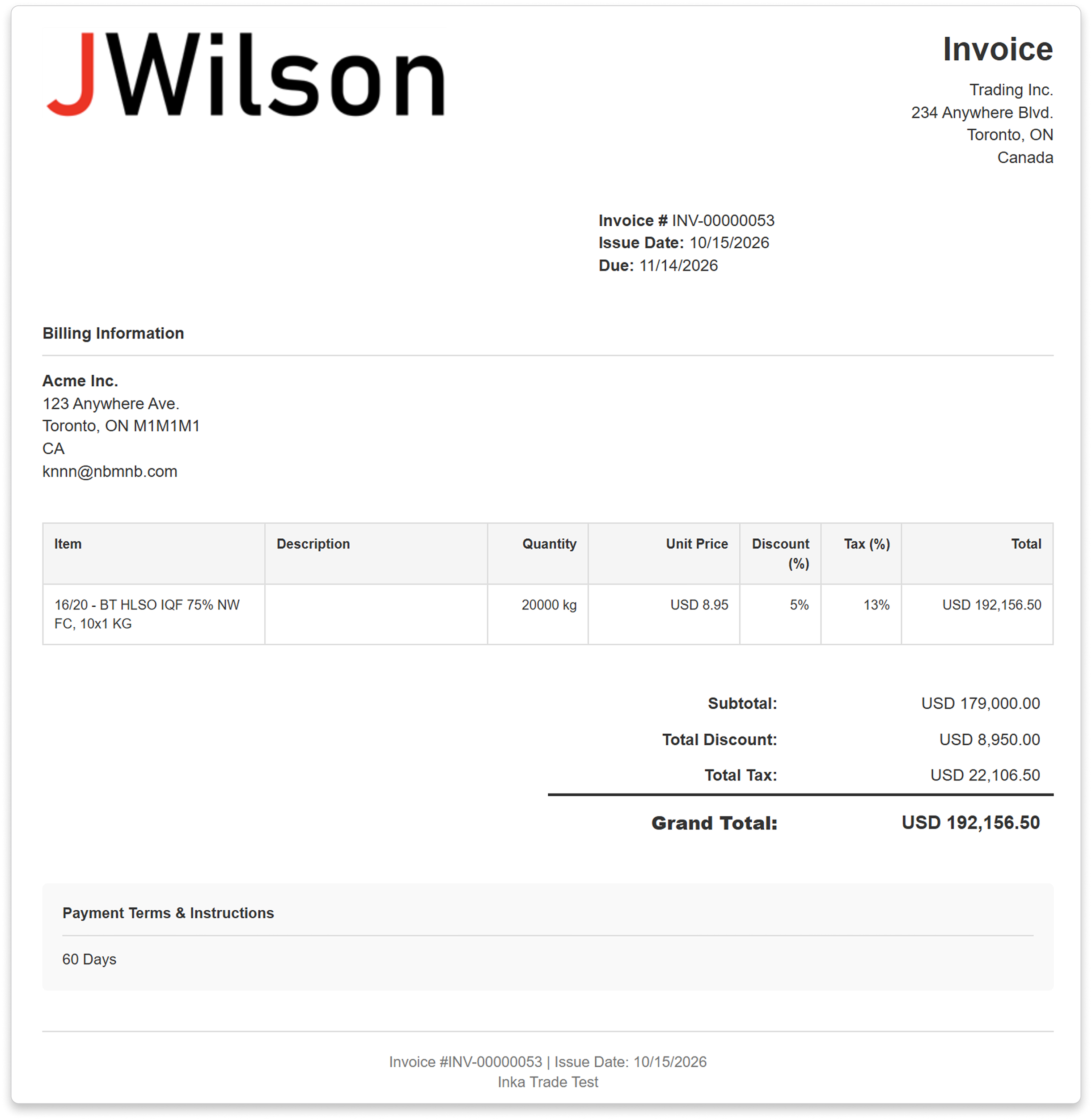


Start with the buyer and billing information already recorded against the deal.
A linked offer brings in product names, quantities, pricing units and prices. Edit the lines as needed, or add them yourself if there is no linked offer.
Create an invoice, pro forma invoice or commercial invoice, then review it before sharing.
Send the invoice link so the buyer can see the bill and use its payment option.
Show each product, quantity, pricing unit and price. CreamSoda calculates line discounts and taxes from the values you enter.
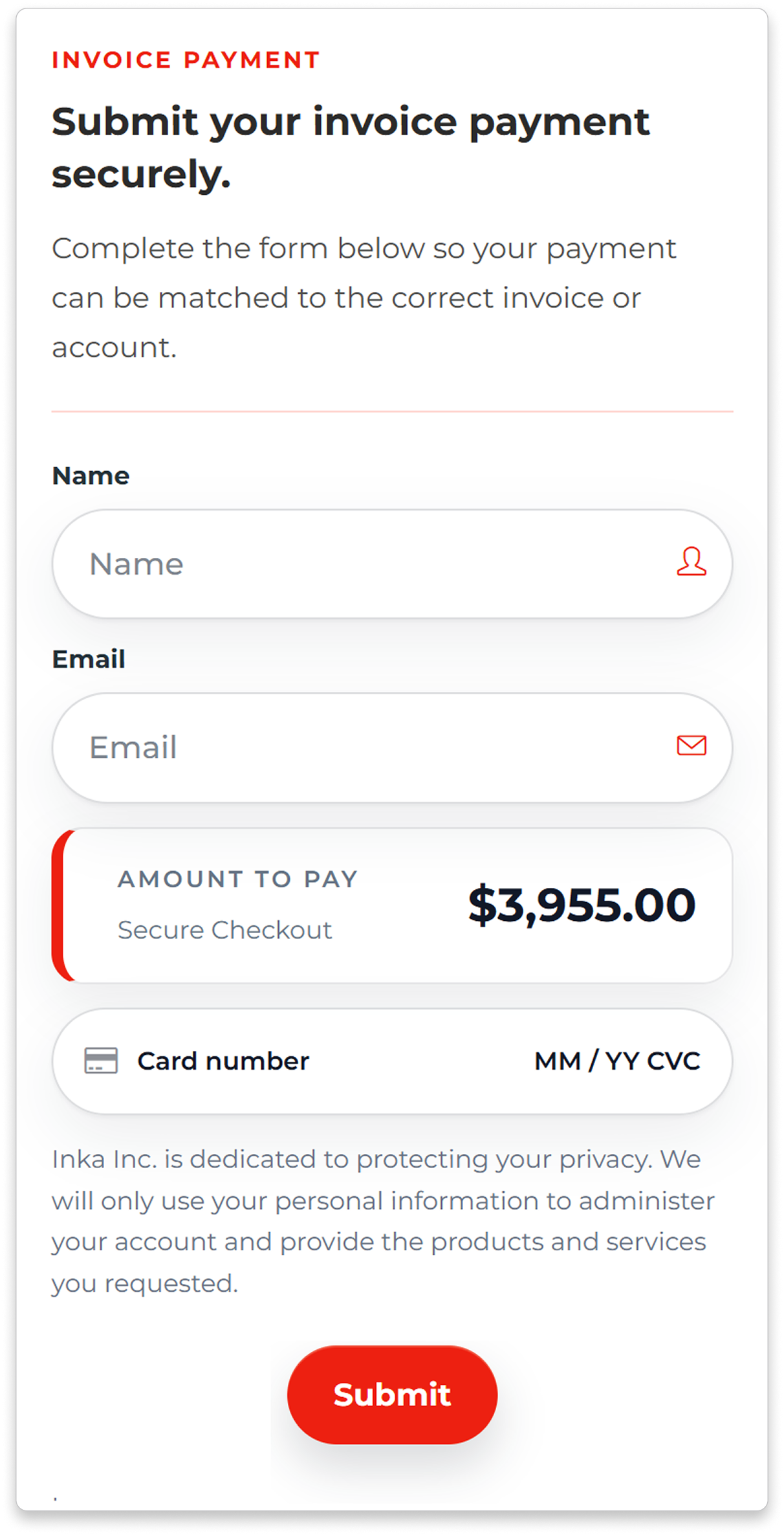
Choose an active invoice-payment form linked to your Stripe or PayPal account, using the same currency as the invoice.
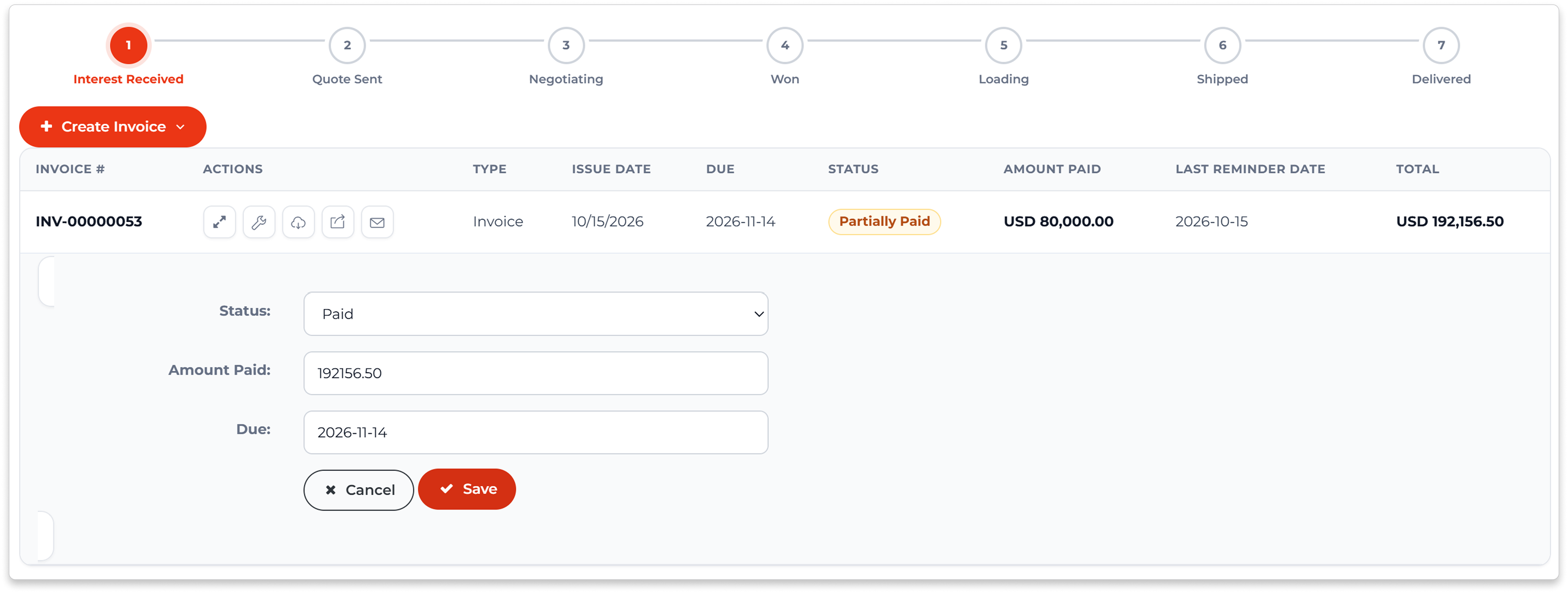
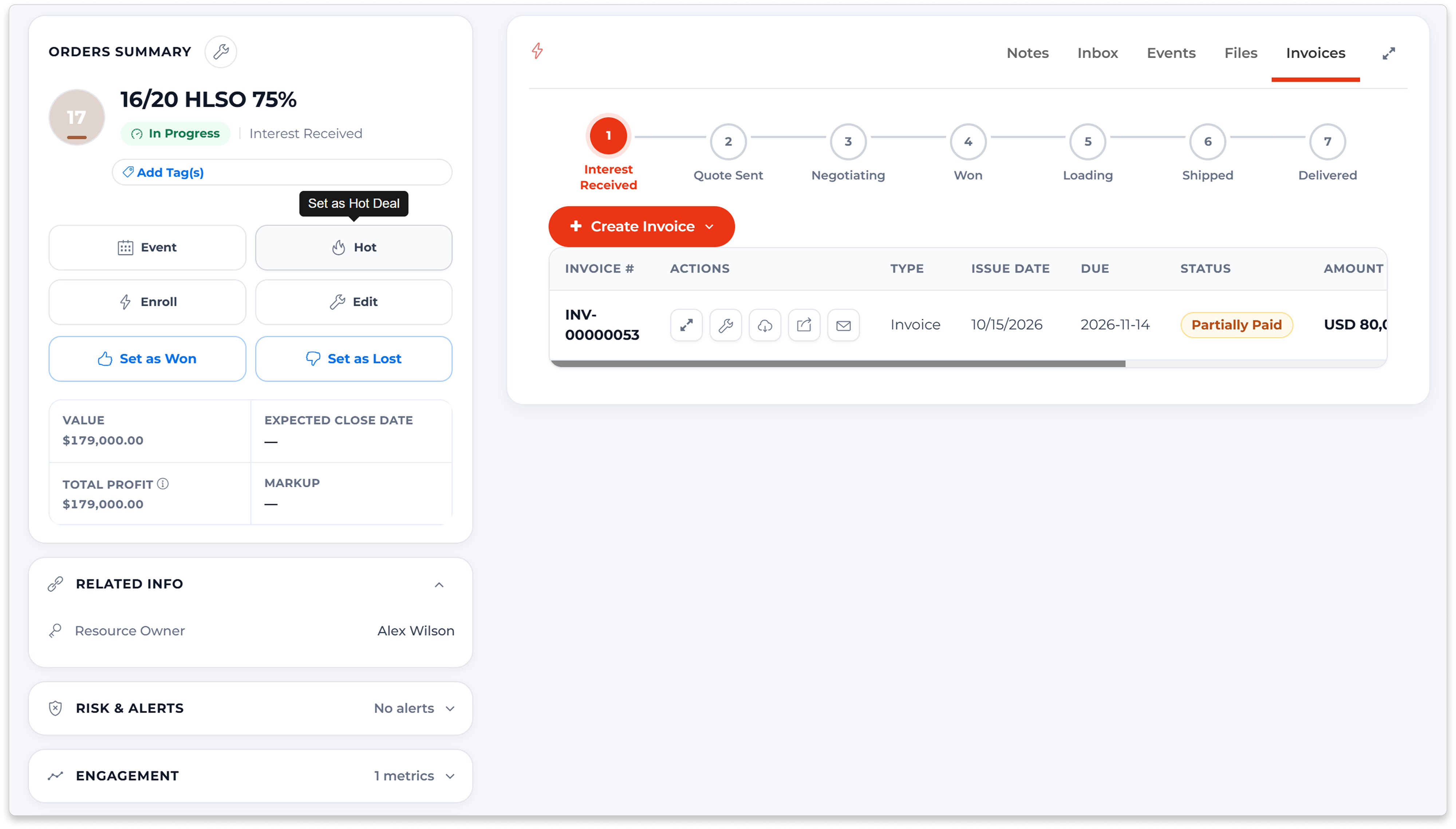
Check what has been paid and what remains, including invoices that are only partly paid.
Email the invoice link. Resend an open invoice with reminder messaging and a record of when the reminder was sent.
Open the linked deal or customer when you need to check the sale behind a payment question.
Select the customer and items in your connected QuickBooks account before creating the invoice.
See sent, overdue, partially paid, paid or void status, with the recorded amount paid.
Open the linked customer and deal when a billing question needs more detail about the sale.






Yes. Start from a deal to bring in the buyer, available billing details and currency. If the deal has a linked offer, its product lines are brought forward too. You can edit those lines or add them manually before sending.
You can create invoices, pro forma invoices and commercial invoices. Choose the document that fits the transaction and review its details before sharing.
Yes. Connect a Stripe or PayPal merchant account and an active invoice-payment form. Payment links are available for invoices created directly in CreamSoda that are sent, overdue or partially paid and still have a balance. The payment currency must match the invoice, and your provider must support the transaction.
Yes. See the amount paid, outstanding balance and due date, along with statuses such as overdue, partially paid and paid. Use those details to decide which invoices need follow-up.
Yes. Connect QuickBooks, select the customer and items, and create a linked invoice. Invoice updates bring its status and amount paid into CreamSoda. QuickBooks handles the accounting record and reconciliation; the Stripe and PayPal payment forms described here apply to invoices created directly in CreamSoda.