CreamSoda
Pricing
Resources
Pricing

Lead capture software for B2B product sales

Give sales the product details behind each enquiry

Collect the product, quantity, timing and contact details your team needs to respond. Save the answers in CreamSoda and assign someone to follow up, so each enquiry starts with useful information.

Better enquiries. Easier follow-up.

Ask questions that fit the enquiry

Start from a template or blank form and choose the fields your team needs.

Save answers in your CRM

Connect form fields to contact, company and deal records so your team can use the answers.

Get the details before you call

Make key questions required so sales has the information it needs to start.

Give each enquiry an owner

Send new enquiries to one person or share them across your selected team members.

Put quote requests in your pipeline

Enable deal creation and choose the stage where new quote requests should appear.

Let your team know it has arrived

Notify the person receiving the enquiry and set up the follow-up workflow you need.
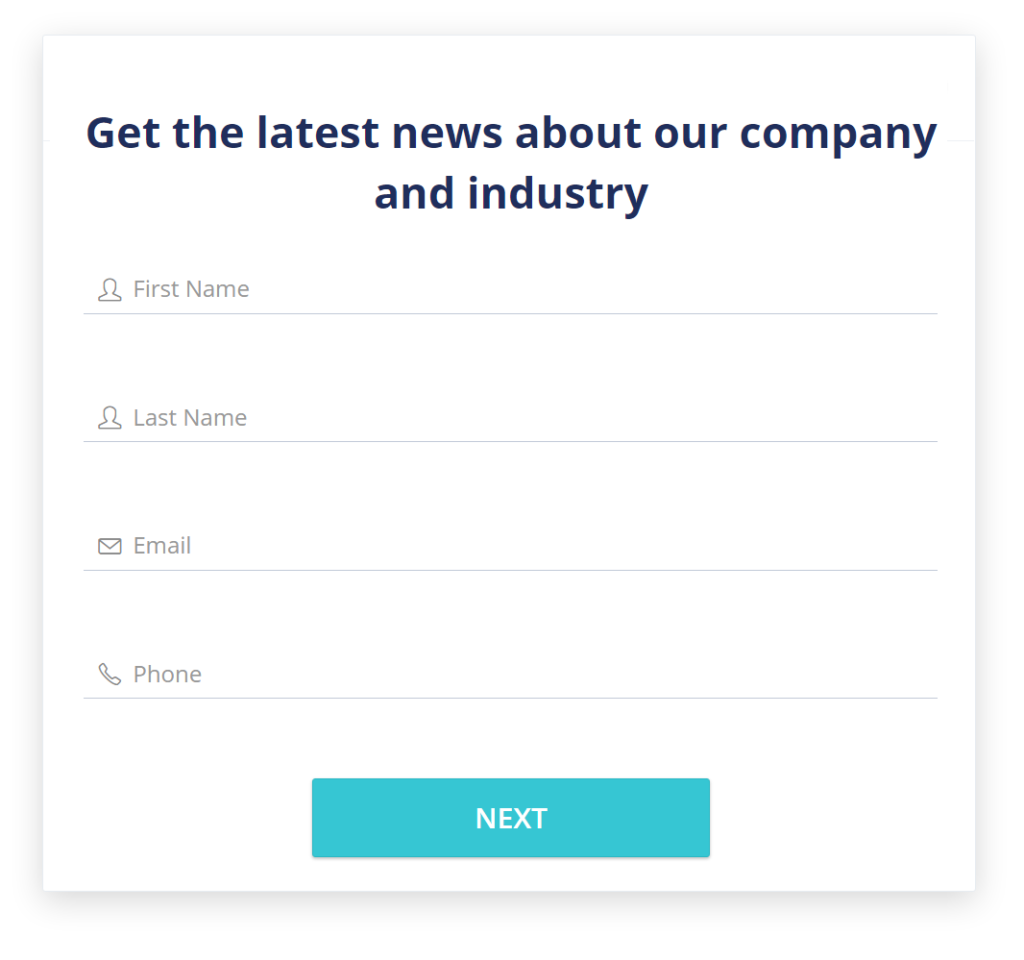
Example contact-capture form with first name, last name, email and phone fields

Keep the enquiry with the customer

What did this buyer ask for?
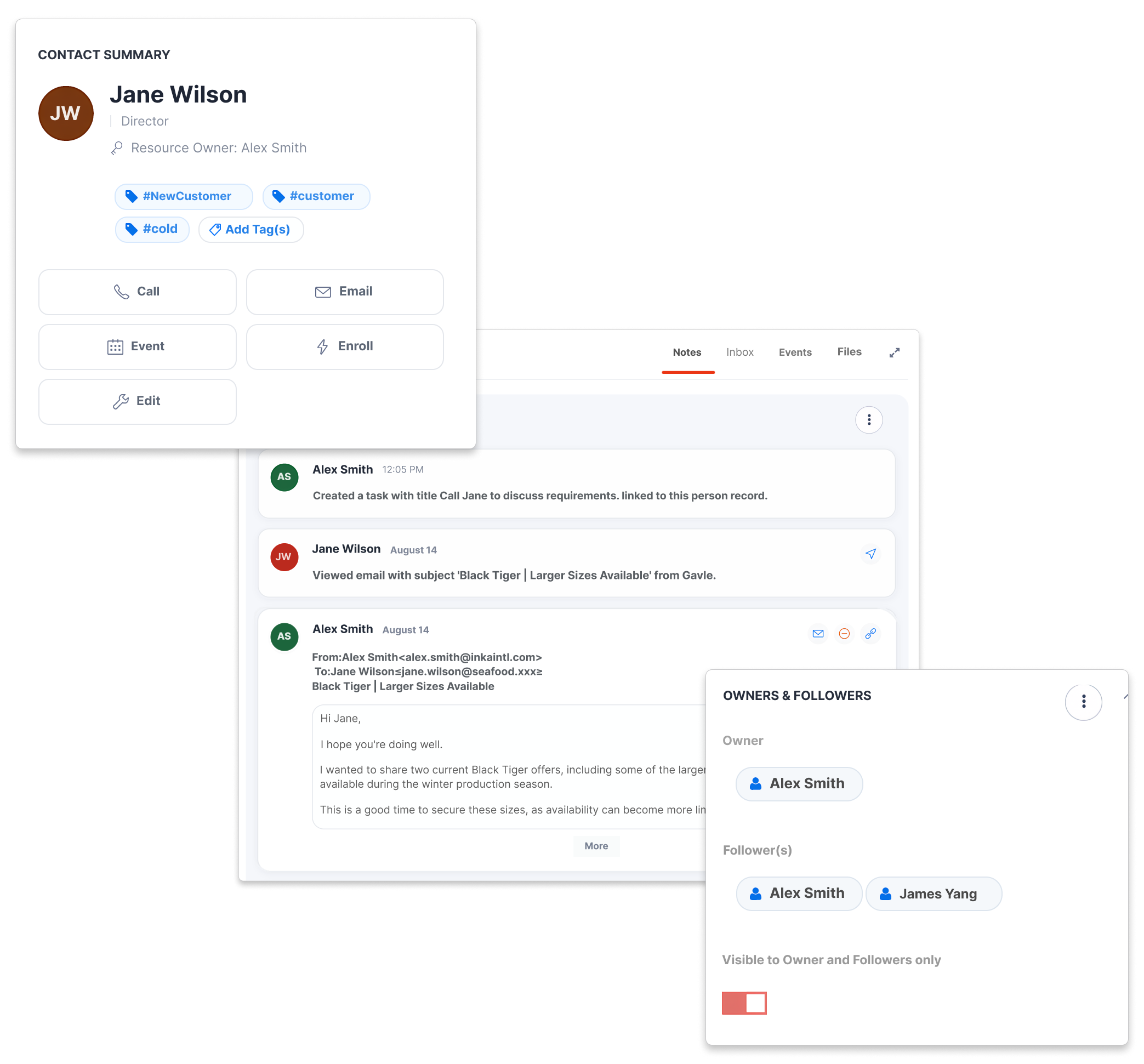
Save the buyer’s details and requirements in the CRM records your team works from. The next salesperson can see what was requested and continue the conversation.

Know who is asking

Collect the buyer’s name, company and contact details alongside the request.

Recognize a returning customer

Enable resubmission updates to match returning buyers and update their existing records.

Know where the enquiry came from

Apply tags from the form to identify its source and help your team choose the next step.

Ask for the details that help you respond

Which product? How much? By when?
Build a product enquiry form around the questions your team asks before preparing a quote. Collect the requirement, quantity and timing, and save each answer in the CRM field you choose.

Choose the right type of answer

Use text, selection, date and number fields to make questions easy to answer.

Make the essentials required

Require the details sales needs first. Leave less urgent questions optional.

Start with a template or a blank form

Choose a starting point, then adapt the questions and wording to the enquiry.

Example product quotation enquiry with a chicken requirement mapped to a customer field
Illustrative furniture enquiry deal with contact, company and configured deal value

Make it clear who follows up

Who is taking the next step?
Assign new enquiries to a person or share them across the team. Turn on notifications and, if needed, create a deal so the request is ready for sales to review.

Choose who receives enquiries

Send enquiries to a named person or rotate them across your team, excluding users you choose.

Create a deal from the enquiry

Enable deal creation and set the pipeline stage, value, currency and expected close timing.

Notify the person who needs to act

Turn on submission emails and set up a follow-up workflow for the new enquiry.
Tell the buyer what happens next

What should the buyer expect after submitting?
Share a form link or add the form to your website. After submission, show a thank-you message or send the buyer to another page, with a clear explanation of what your team will do next.

Use forms where buyers enquire

Share the hosted form link or place the embed code on a relevant page of your website.

Set expectations with a clear thank-you

Confirm the enquiry has arrived and explain the next step, or redirect the buyer to a page of your choice.

Explain how you will use their details

Add your privacy wording and choose when consent checkboxes appear.
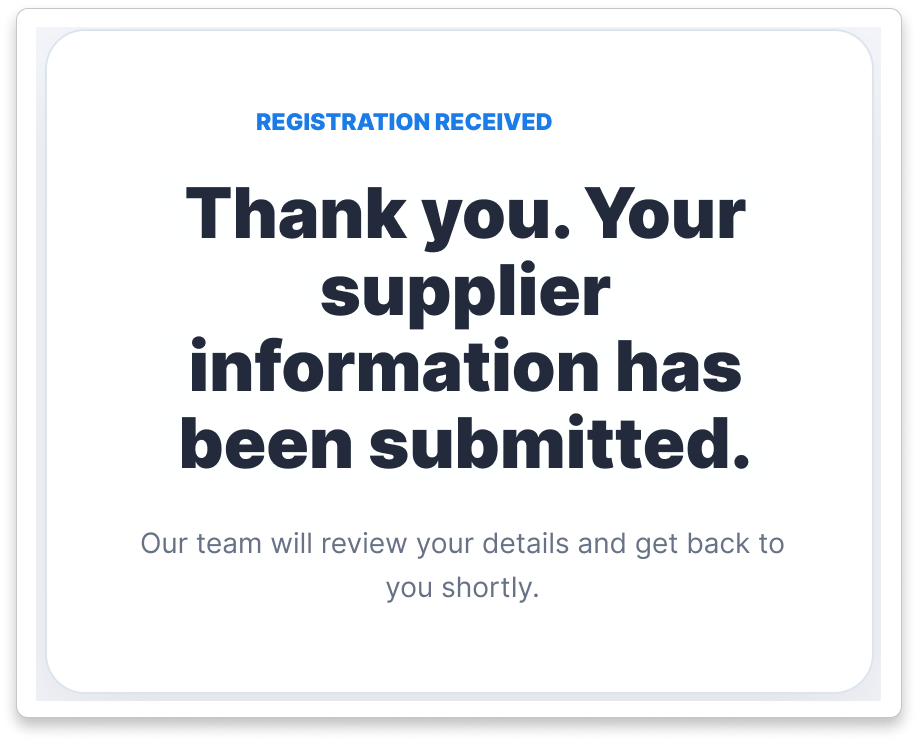
Example confirmation page acknowledging receipt of submitted supplier information

Explore three product-sales workflows

Business professional reviewing information on a laptop in an office

Trade agents: give the offer a buyer audience

Use earlier offers and deals to choose whom to approach about a supplier opportunity, then keep the buyer’s next question moving.
See the offer-to-buyer workflow
Business professional speaking by phone while reviewing notes and a laptop

Importers: ask buyers before committing to supply

Start requirements conversations with product-related contacts, then assess their answers alongside the supplier quote before buying.
See the buyer-demand workflow
Sales professional on the phone in an office with colleagues nearby

Distributors: pursue the next repeat order

Use successful sales history and useful next actions to choose a relevant account call and keep repeat-product follow-up owned.
See the repeat-sales workflow

Lead capture and product enquiry form questions

How forms collect buyer requirements and get them ready for sales to follow up.
What can CreamSoda’s lead capture software collect?
keyboard_arrow_down

Collect contact and company details, product requirements and other information your team needs to respond. Forms support standard and custom CRM fields, with formats including text, selections, dates, times and numbers. Deal fields are available when deal creation is enabled.

Can a submitted form create a deal?
keyboard_arrow_down

Yes. Enable deal creation in the form settings, then choose the pipeline stage, value, currency and expected close timing. A quote request can then arrive as a deal for sales to review and follow up.

How are submissions assigned and existing records updated?
keyboard_arrow_down

Choose a named person or round-robin assignment for new enquiries. You can exclude selected users from the rotation. With resubmission updates enabled, CreamSoda can match a contact by email or a company by email or name and update the matching record.

Can I place the form on my existing website?
keyboard_arrow_down

Yes. Add the embed code to your website or share the hosted form link. Check the form on your actual website, including mobile, to confirm that submission and the thank-you message or redirect work as expected.

What happens after someone submits an enquiry?
keyboard_arrow_down

The form can create or update CRM records, apply tags, assign new records, send notifications and create a deal, based on your settings. The buyer sees your confirmation message or redirect. You can also set up a workflow to handle the follow-up.

Can I use forms for quote requests?
keyboard_arrow_down

Yes. Ask for the product requirement, quantity, timing and business contact details your team needs to prepare a quote. Save the answers in the CRM fields you choose, and enable deal creation if you want the request to enter your sales pipeline.

We use cookies to improve your experience. Manage your preferences or accept to continue.

Reject Preferences Accept