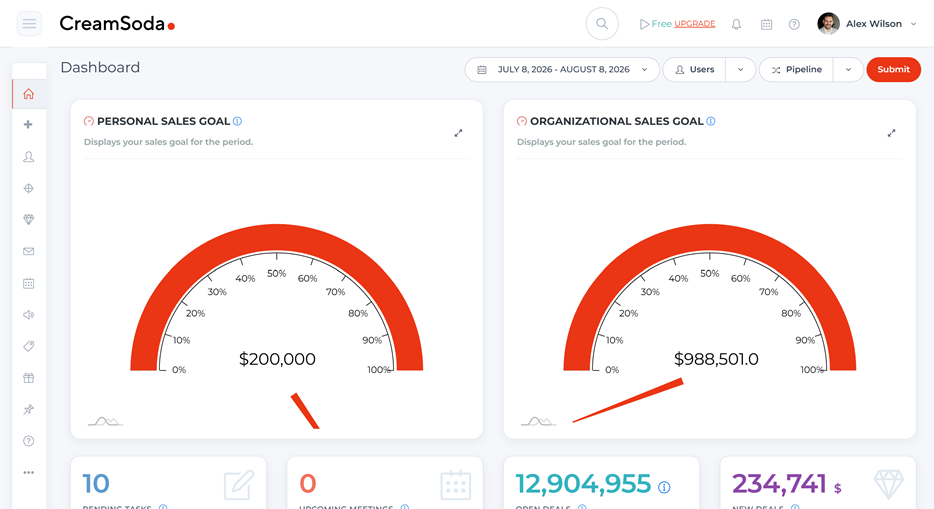

Seafood CRM for importers and distributors
Find buyers for the seafood you have to sell
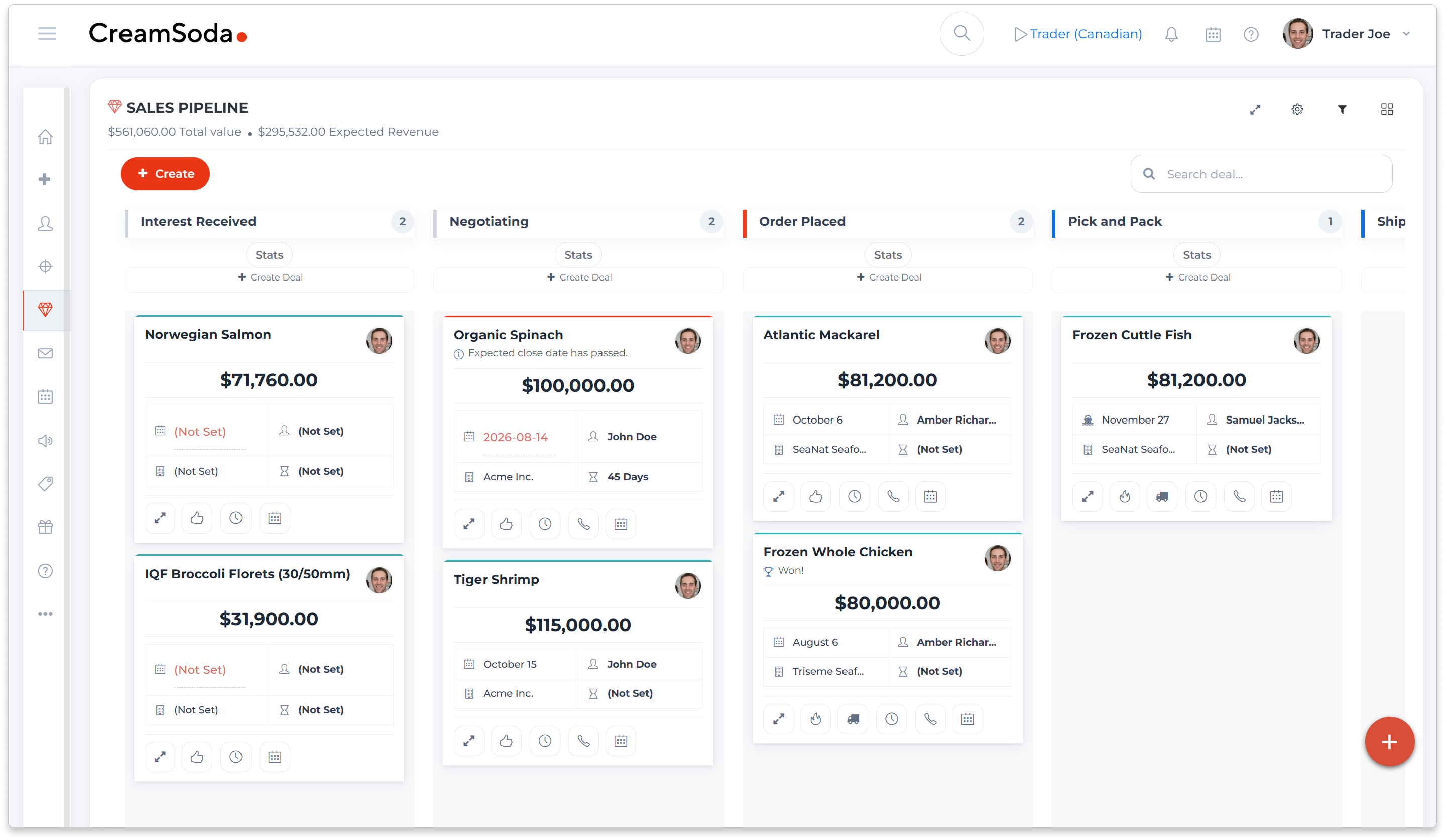

Keep seafood offers and repeat sales moving

Find buyers for each product

Keep buyer requirements in view

Check the details before you quote

Send an offer that fits the buyer

Spot the next repeat-order opportunity

Know who handles the next step

See what the deal could earn
Find buyers for each seafood offer
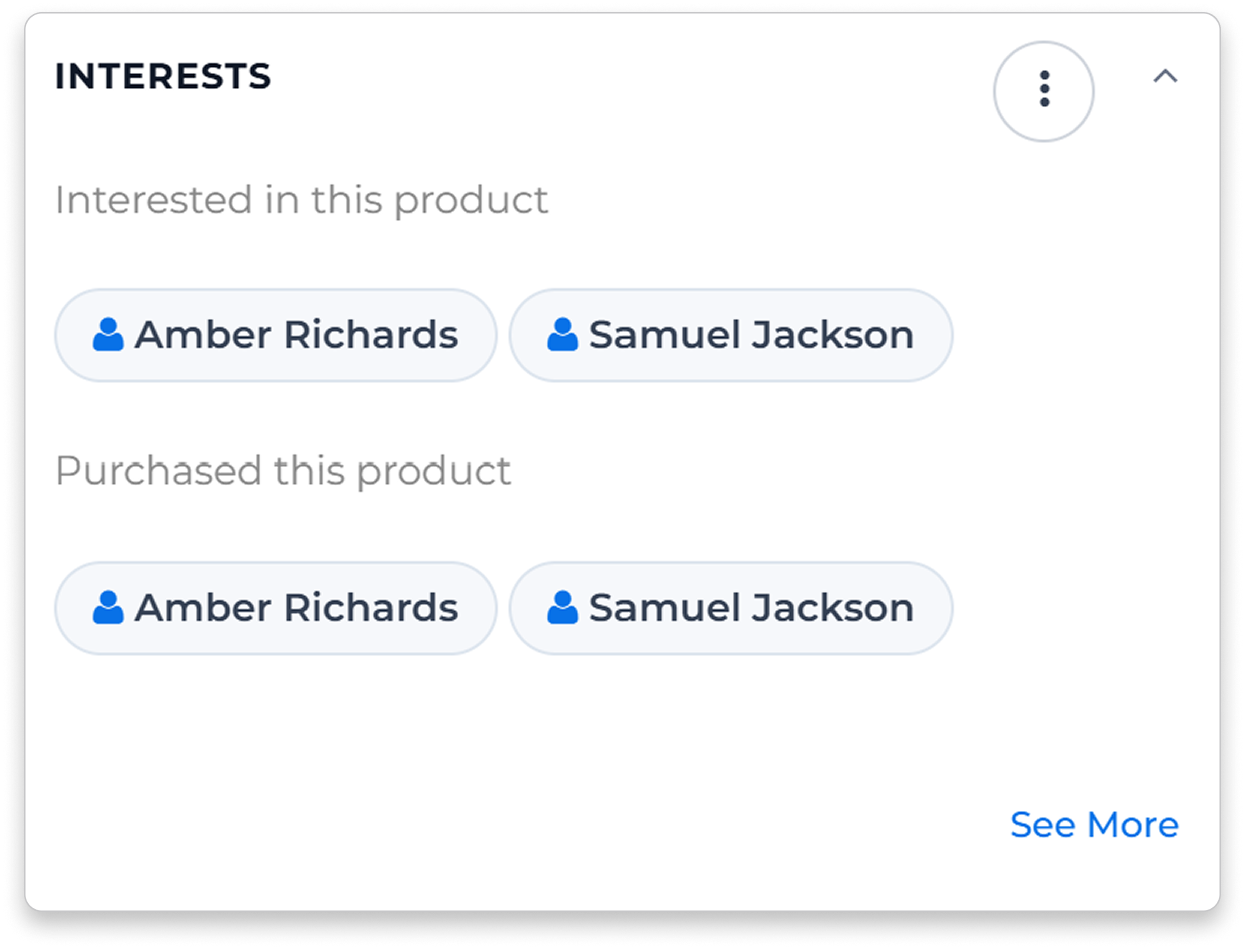
Start with buyers who know the product


See contacts linked to earlier offers and deals for the product. Use that history to choose who to approach and which items to include in your proposal.
Know the account before you call
Keep earlier specifications, quotes and conversations with the account, so a colleague can pick up the sale with the details in front of them.
Compare seafood quotes with the details in view
Compare like-for-like quotes
Review received quotes for the same seafood product, with units, packs and quoted currency visible. Confirm the specification and terms before using that price in a buyer proposal.
Put the new price in context
Review earlier quotes for the same product and compatible unit when a new supplier price arrives. Check the current specification and terms before deciding what to offer.

Make each seafood offer count

Act while the offer is current
Keep the specification clear

Choose buyers for each offer

Follow through after the order
Send seafood offers buyers actually want
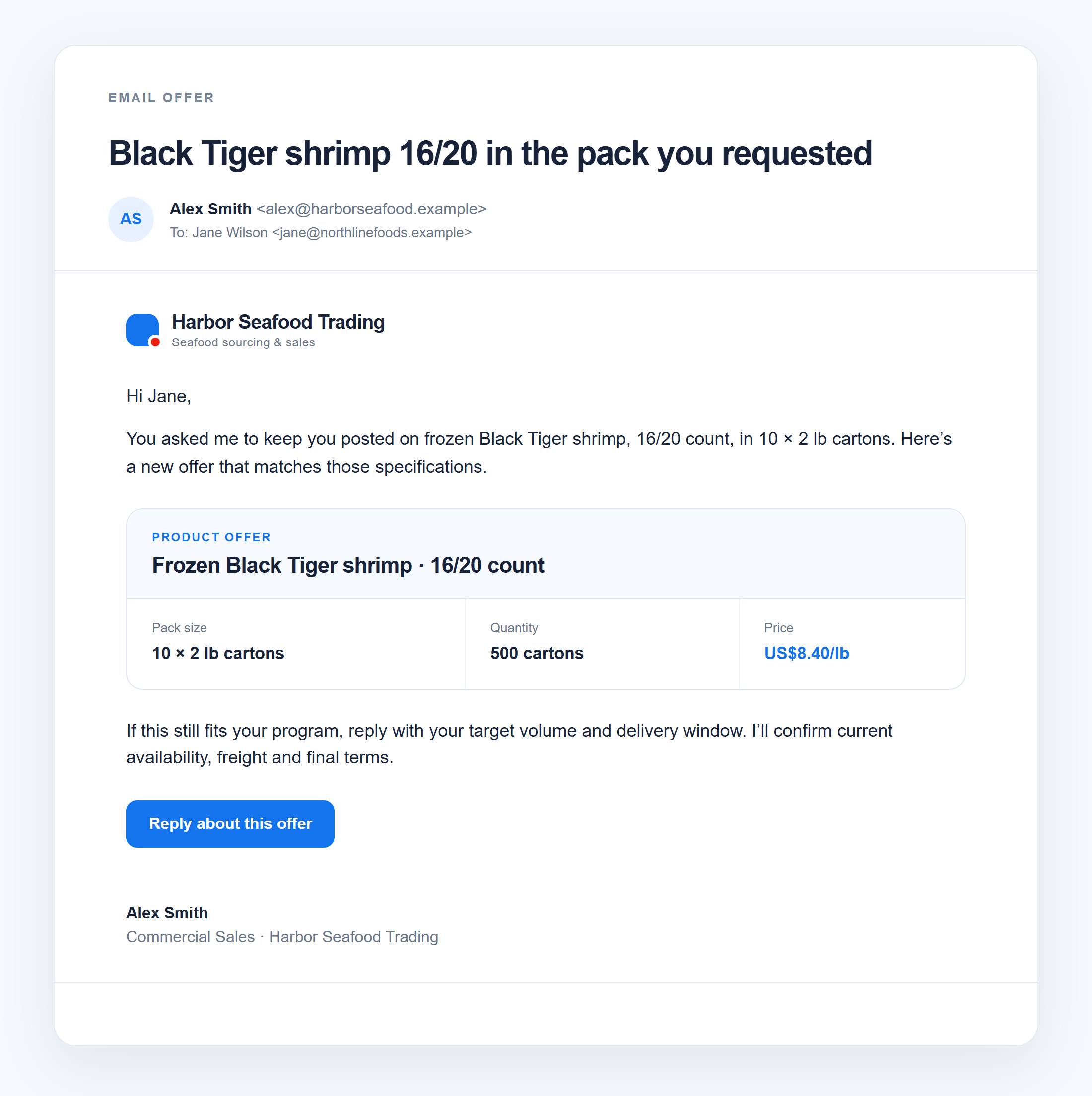
Build the offer around the buyer
Choose recipients using product history and earlier conversations. Select the products, specification, pack and terms to include, then send a focused email offer.
Spot the next reorder or cross-sell
See products a customer may be due to reorder, items they have stopped buying and cross-sell suggestions when there is enough relevant history. Review the reason in Next Best Actions, then create a task or email.
Keep the order moving through delivery
Give each handoff a clear owner
Assign availability checks, shipment confirmations and customer updates to the right person. Configure tasks and emails around your deal stages.
Send customer updates from the deal
Keep order updates with the buyer and deal, so colleagues can see what was confirmed before answering the next question.
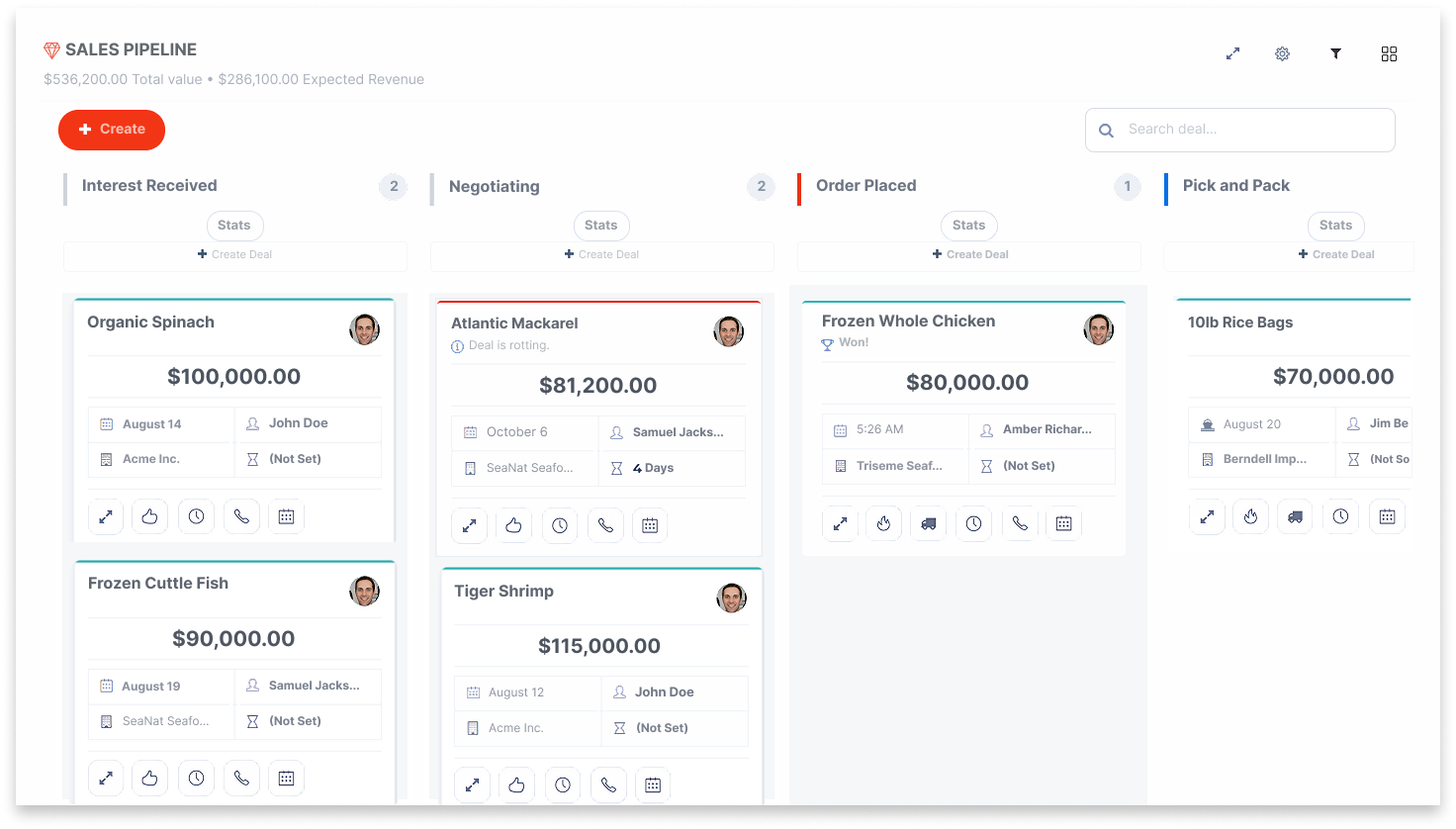
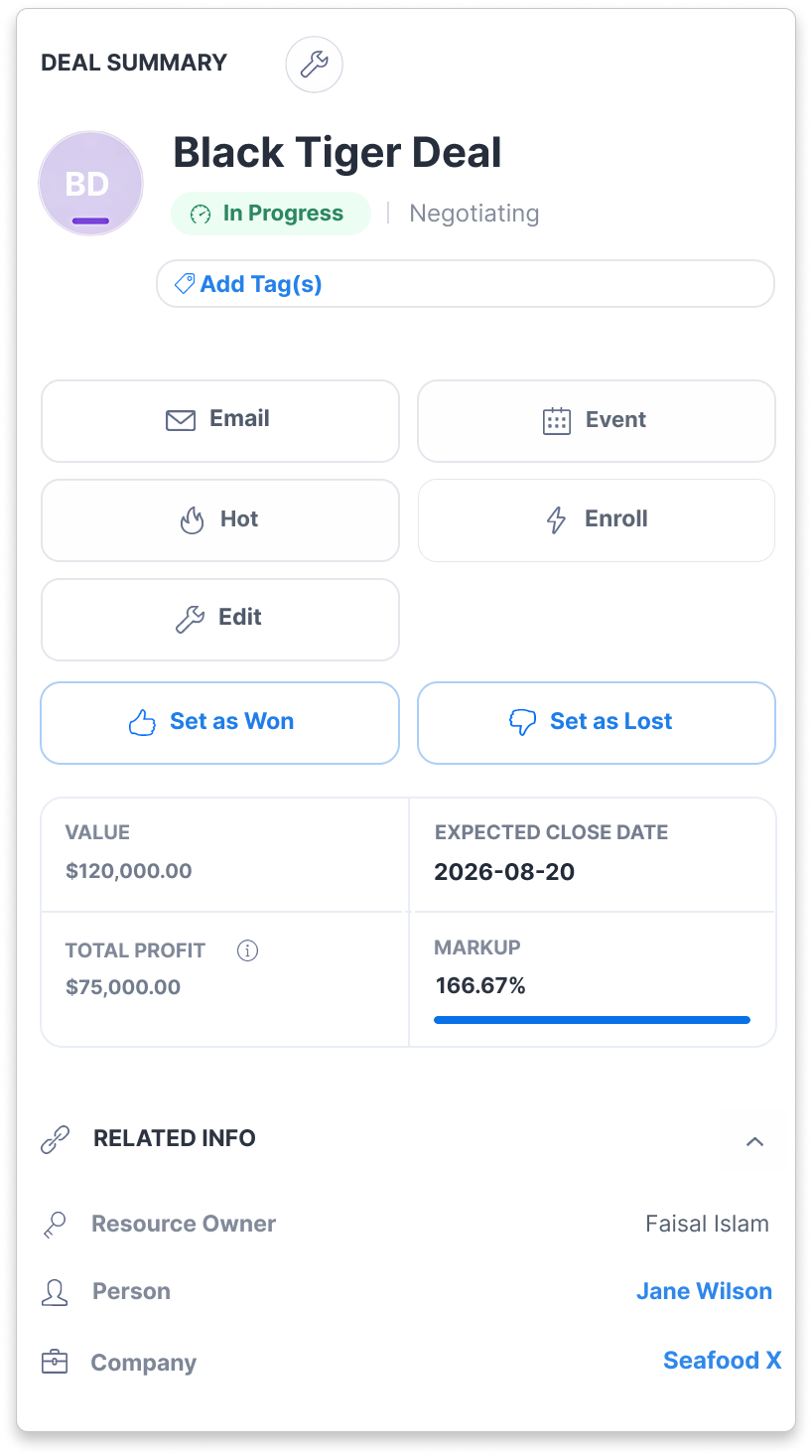
Know what the seafood deal is expected to earn
Track expected profit with the deal
Review deal value, itemized costs and expected profit while the sale is being negotiated. Salespeople and managers can assess the same figures before deciding what to pursue.
Keep claims and payment issues connected
Record customer claims and review invoice-payment status with the deal. Keep outstanding issues visible to the account owner before discussing the next order.
Seafood CRM questions, answered
CreamSoda is for seafood wholesalers, importers, distributors, exporters and trade agents selling to business customers. It brings product offers, buyer history, quotes and follow-up together to help your team grow repeat sales.
Yes. Use CreamSoda for buyer relationships, offers and sales follow-up alongside your operational systems for stock, traceability, cold-chain operations and accounting. You can also use the CRM without an ERP. Discuss any required integration in the demo.
Yes. Compare received quotes for the same product using compatible units. Keep pack and quoted currency visible, and check species, cut, glaze, size and terms before preparing your customer price.
See contacts linked to earlier offers and purchases of the product. Use that history to choose buyers, confirm their current requirements and decide which products to offer.
Purchase Insights highlights missed reorders, products a customer has stopped buying and cross-sell opportunities when there is enough relevant history. Next Best Actions gives your rep a reason to follow up, with supporting details to review before creating a task or email.